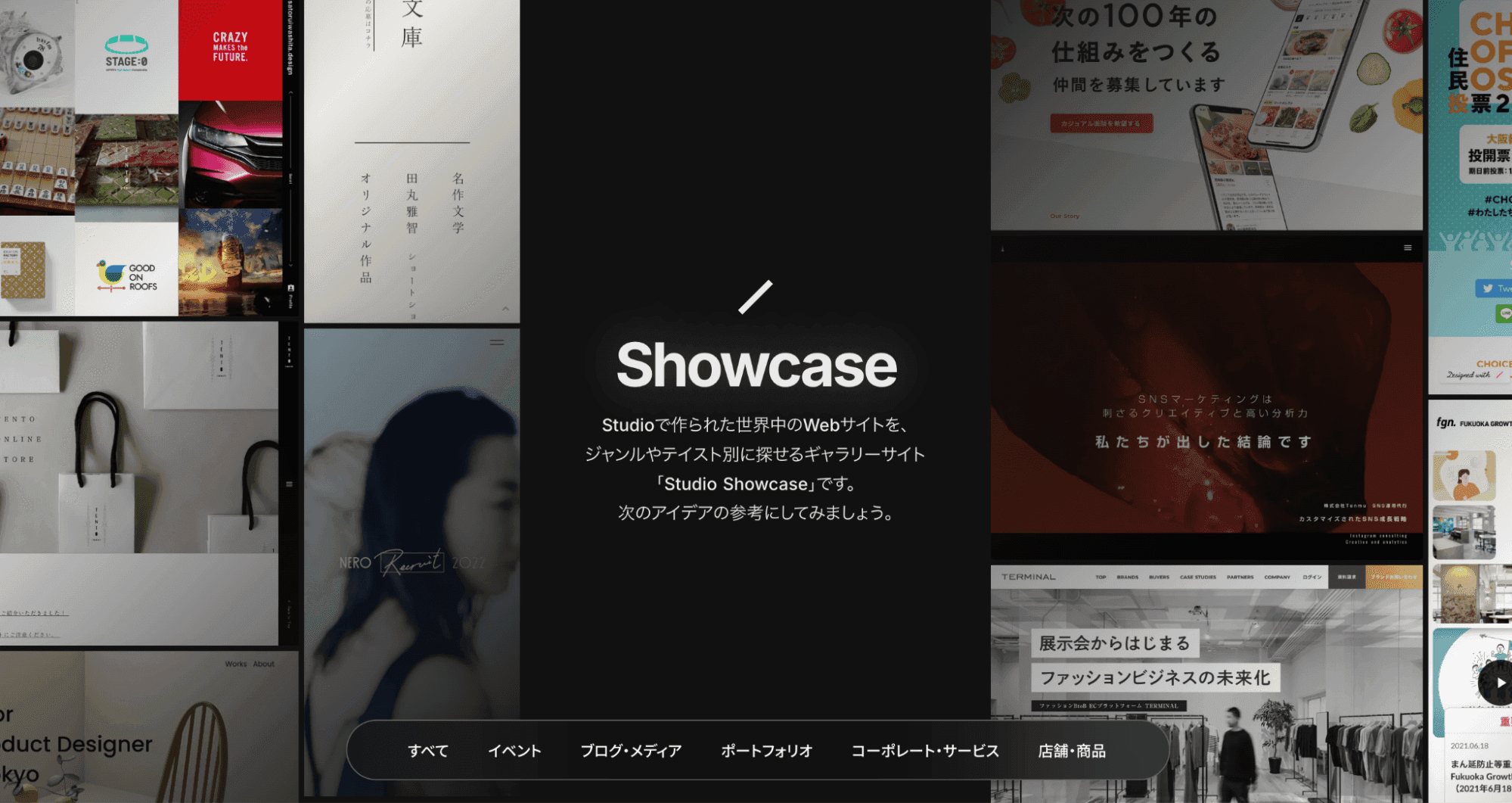
What Is Studio?
Studio is a platform that lets you design and build websites with no code — all without any programming knowledge. As Japan's first no-code tool, it offers robust Japanese-language support.

Its interface feels similar to Figma, so anyone familiar with design tools can use it intuitively — a major advantage.
What Kind of Sites Can You Build with Studio?
You can browse real site examples on "Studio Showcase." The range of supported genres is remarkably broad, with sites like:
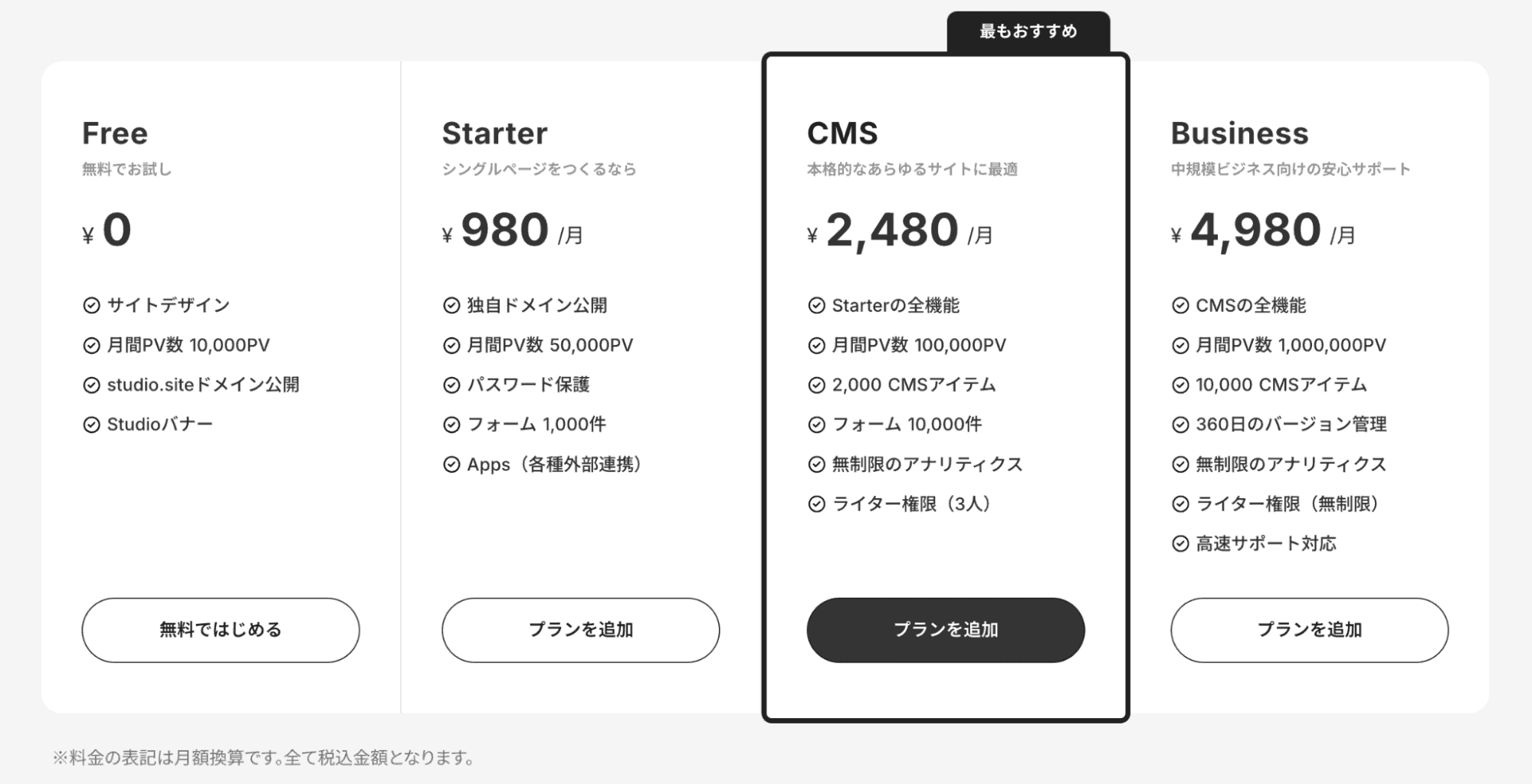
- Event sites
- Blog and media sites
- Portfolio sites
- Corporate and service sites
- Shop and product showcase sites
8 Advantages of Studio
1. No Coding Knowledge Required
You can build sites intuitively using the visual editor, without any knowledge of HTML or CSS. Clients can easily update the site themselves, reducing post-delivery maintenance costs.
2. Easy Integration with External Services
Integrating external services like YouTube, Google Maps, and form services is simple. Just paste an embed code to add rich content.
3. CMS Feature for Easy Updates by Anyone
The CMS feature makes it easy to update blog posts, announcements, and other content. Even after handoff to clients, content can be added and edited without specialized knowledge.
4. Easy Animation Implementation
Scroll animations, hover effects, and other animations can be implemented without writing code. Create dynamic, motion-rich sites with ease.
5. Multi-User Editing
Studio supports team collaboration, allowing multiple members to edit the site simultaneously.
6. No Server Knowledge Required
Hosting is handled entirely within Studio, eliminating the hassle and cost of server setup and maintenance.
7. Comprehensive Japanese-Language Guides
Abundant Japanese-language guides on YouTube and the web keep the learning curve low — a welcome benefit.
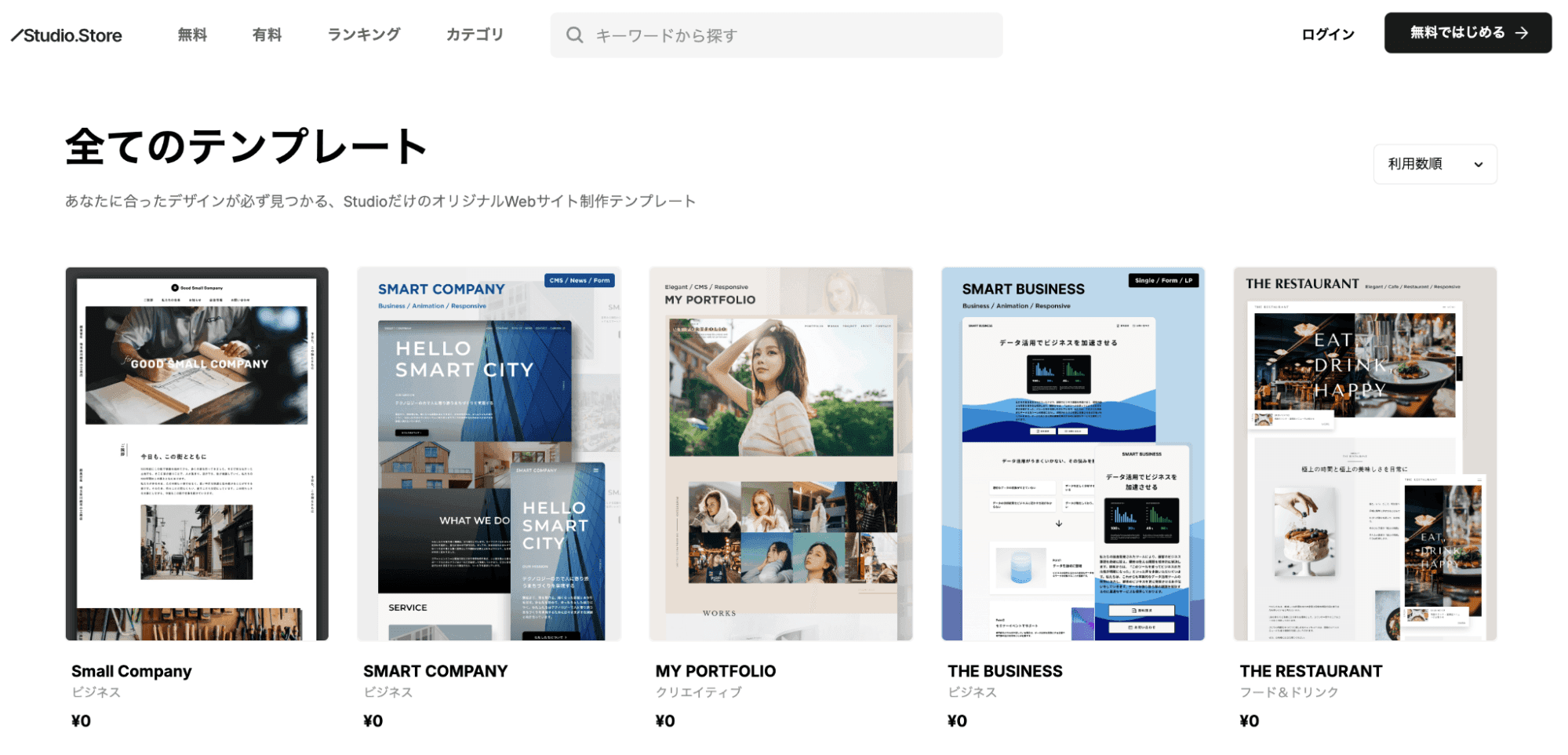
8. Templates for Quick Site Building
Both free and paid templates are available, so you don't have to design from scratch. Customize templates as a starting point for efficient site production.
Disadvantages of Studio
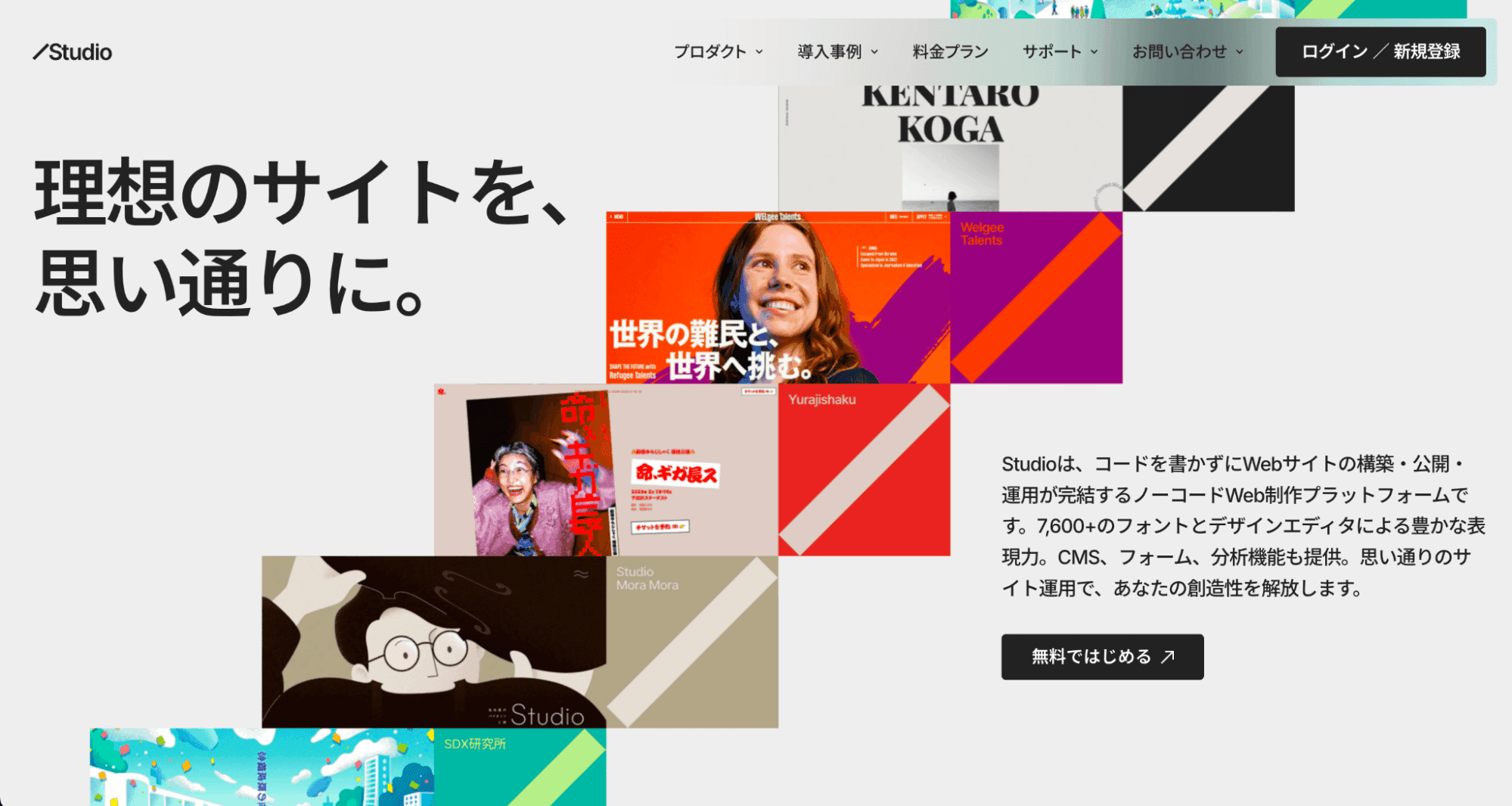
1. Ongoing Subscription Costs
| Plan | Monthly Price | Features |
|---|---|---|
| Free | $0 | No custom domain |
| Starter | ~$7 | Custom domain, no CMS |
| CMS | ~$17 | CMS functionality included |
| Business | ~$35 | Priority support |
2. Considerations for E-Commerce
Currently, Studio does not offer built-in payment functionality, so integration with external services is required. If building an e-commerce site, consider pairing it with a dedicated service like Shopify.
Recommended Use Cases for Studio
- Small business websites — Build professional sites while keeping costs low
- Limited-time landing pages — Quick to create, publish, and take down
- Budget-constrained projects — Significantly reduce development costs
- Personal portfolios — Showcase work for designers and creators
- Cases requiring client-side updates — Designed with post-delivery operations in mind
Conclusion
Studio is an "intuitive and easy-to-use" no-code tool. Its robust Japanese-language support is a major advantage, making it ideal for designers and anyone who needs to launch a site quickly. Especially for those already familiar with Figma, the learning curve is minimal.