
Tools to Supercharge Framer
Framer is already a powerful website builder on its own, but integrating third-party tools can extend its capabilities even further. This article introduces five recommended tools that significantly expand what you can do with Framer.
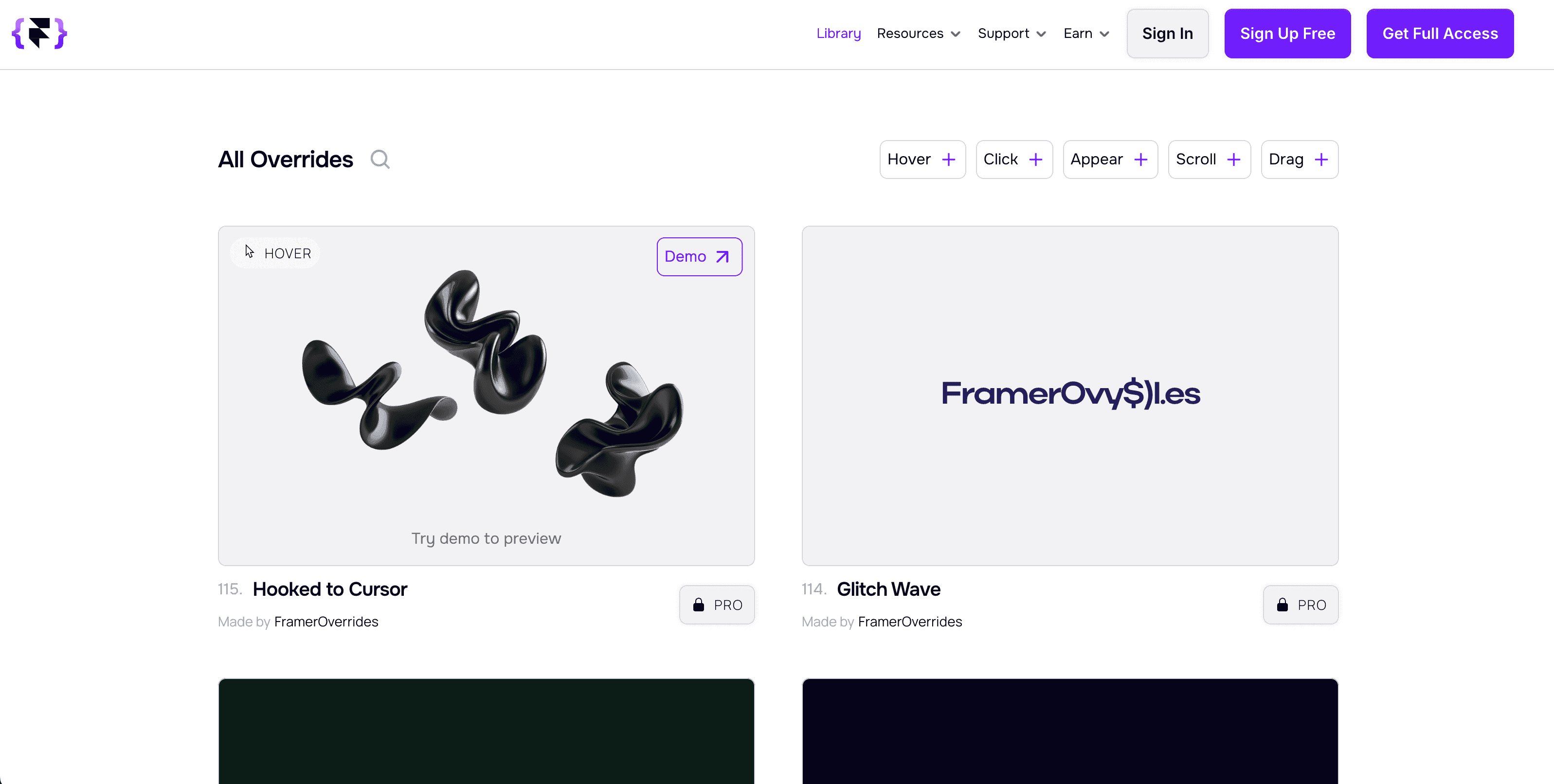
1. Framer Overrides
Overview
A tool that lets you add overrides and code components to your projects. It enables customizations that aren't possible with Framer's standard UI components.
What You Can Do
- Modify frame shapes
- Add custom interactions
- Implement custom animations
- Import external data
Recommended Use Cases
Ideal when you need to customize the appearance or behavior of standard components.
2. Framer Commerce
Overview
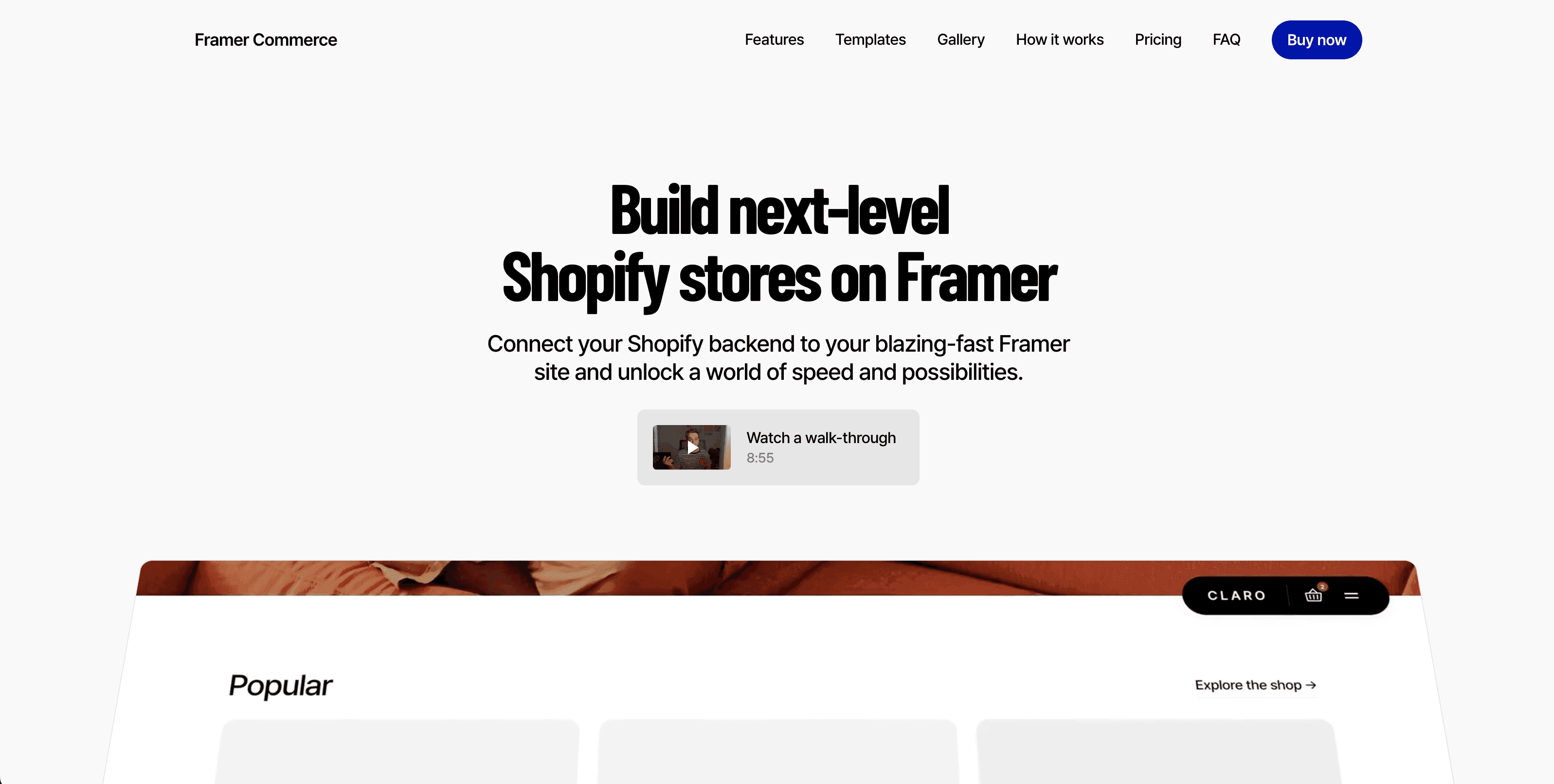
A tool that adds e-commerce functionality to your Framer website by integrating with Shopify.

Advantages
- Maintain Framer's design freedom while adding e-commerce features
- Leverage Shopify's robust product management and payment processing
- Build a custom-designed online store
Disadvantages
- Shopify's monthly subscription fee adds additional cost
- Initial setup takes some time
3. Thenty
Overview
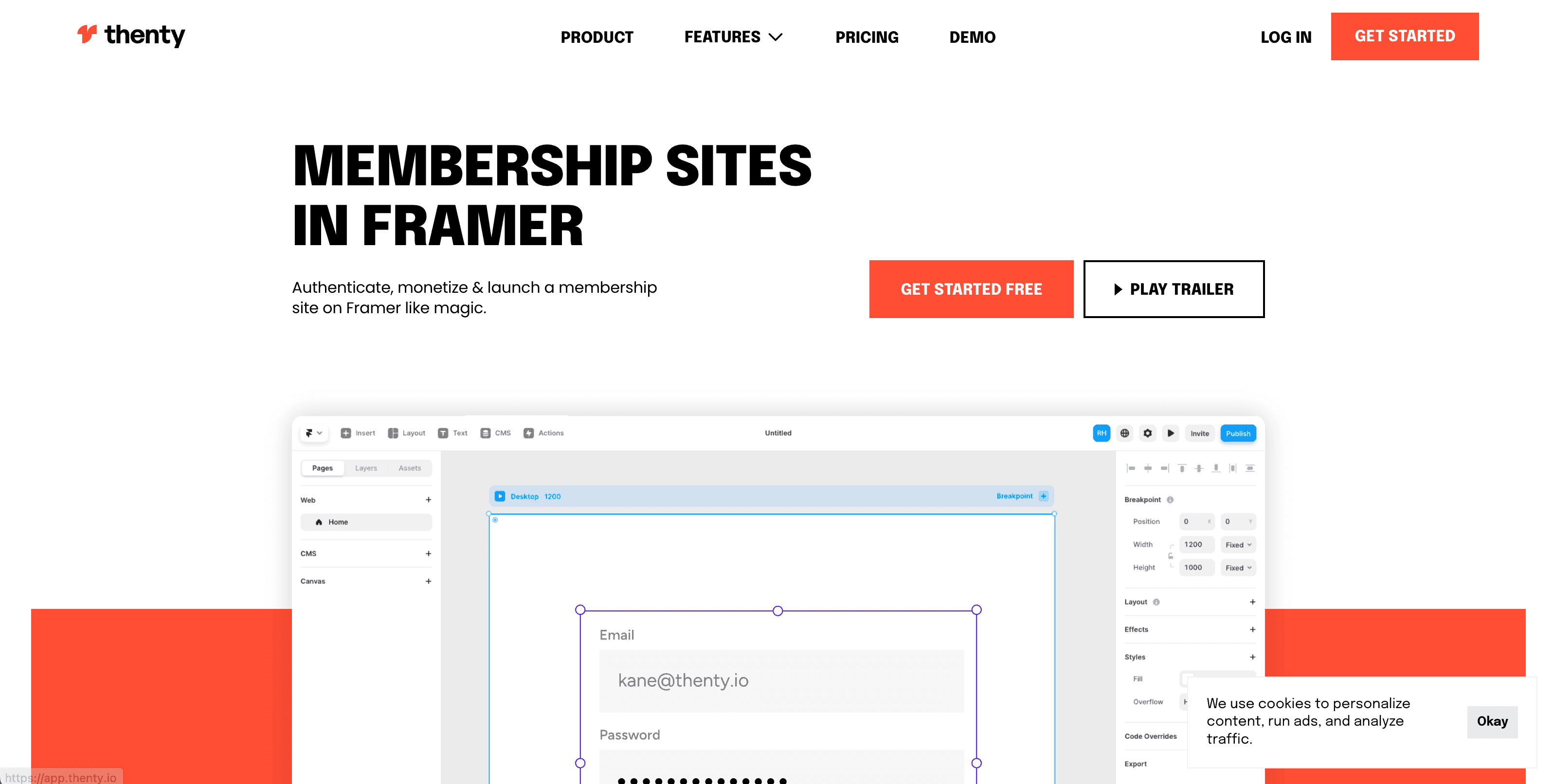
A tool that lets you build web apps and membership sites on Framer.
Key Features
- User authentication — login and signup functionality
- Page locking — create members-only content
- Payment collection — payment processing via direct Stripe integration
- Dashboard — user management interface
Recommended Use Cases
Ideal for projects that need membership features, such as online courses, paid communities, and SaaS landing pages.
4. FRAMERFORMS
Overview
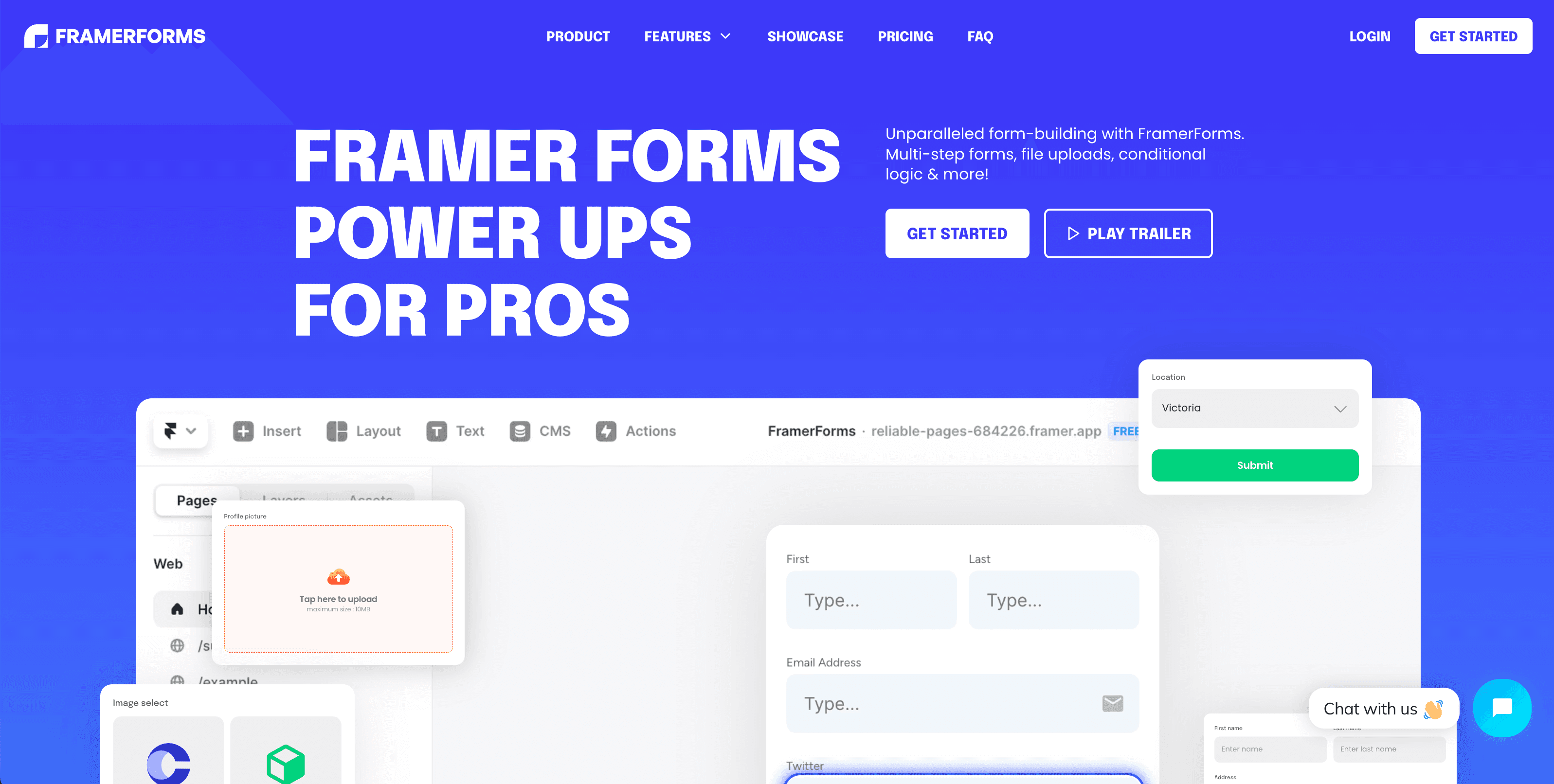
A tool that significantly extends Framer's form capabilities. Build complex forms that the standard form functionality cannot handle.
Key Features
- Place multiple input fields
- Create multi-step forms
- Send data to other tools via Zapier
- Configure validation rules
Recommended Use Cases
Useful for building complex forms such as contact forms, surveys, and application forms with many input fields.
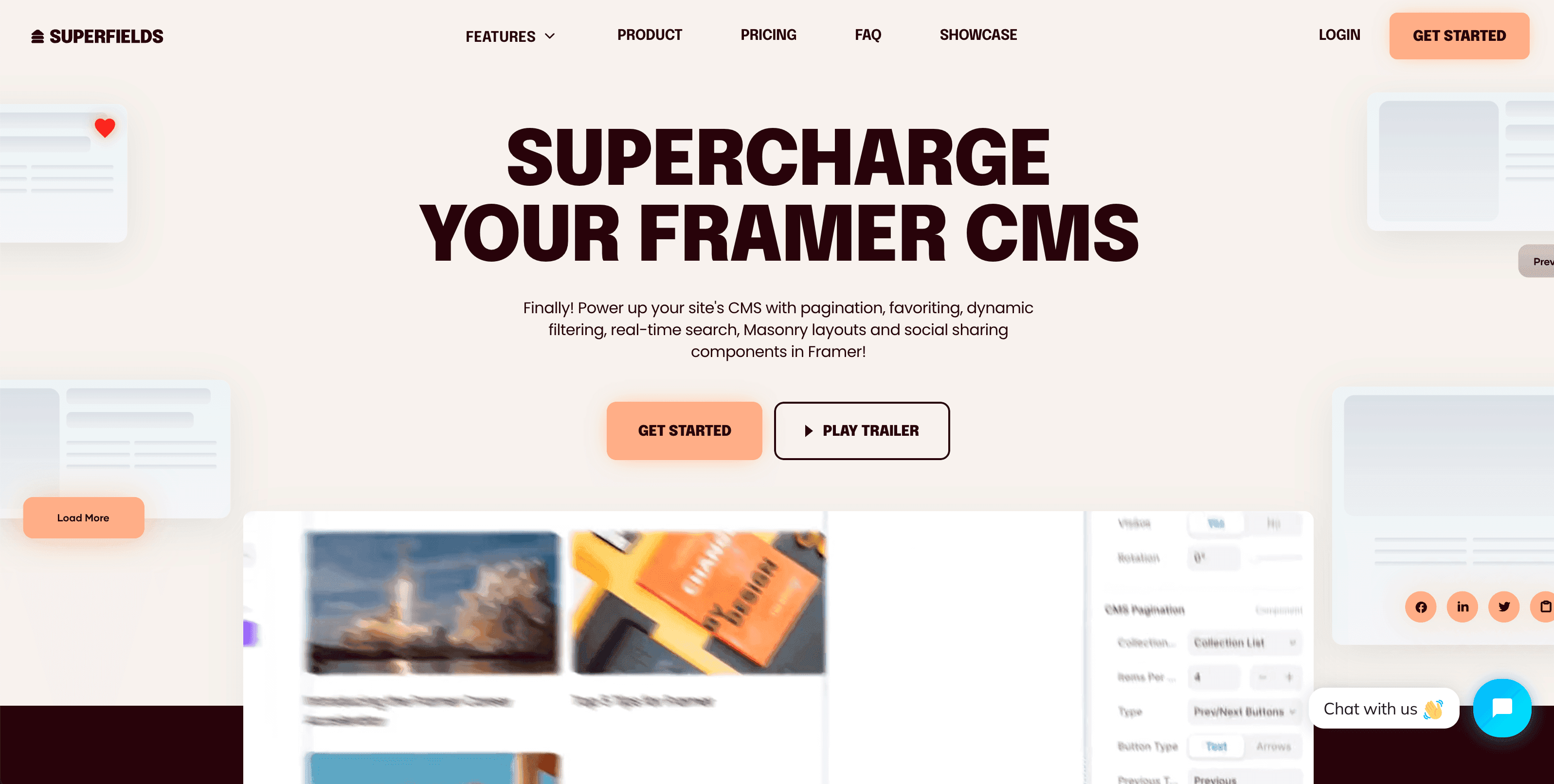
5. SUPERFIELD
Overview
A tool that lets users dynamically manage and update content. It adds CMS-like functionality to your Framer site.
Key Features
- Dynamic content management
- Pagination
- Content sorting
- Filtering
Recommended Use Cases
Ideal for building pages with frequently updated content, such as blogs, portfolios, and product listings.
Conclusion
By combining Framer with these extension tools, it evolves into a platform capable of handling everything from simple websites to full-fledged web applications. Choose the tools that best fit your project's requirements and take your Framer workflow to the next level.