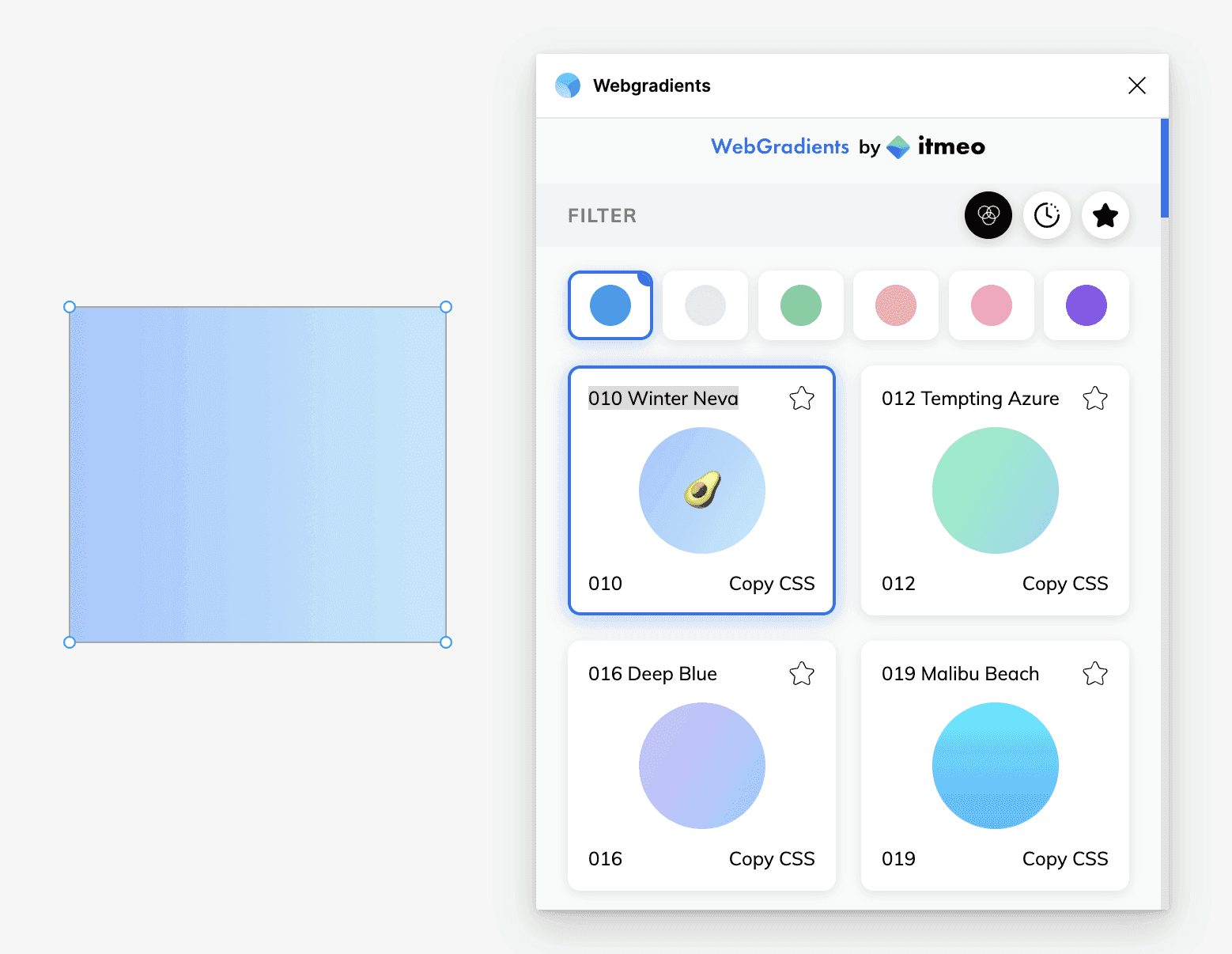
What Is Webgradients?
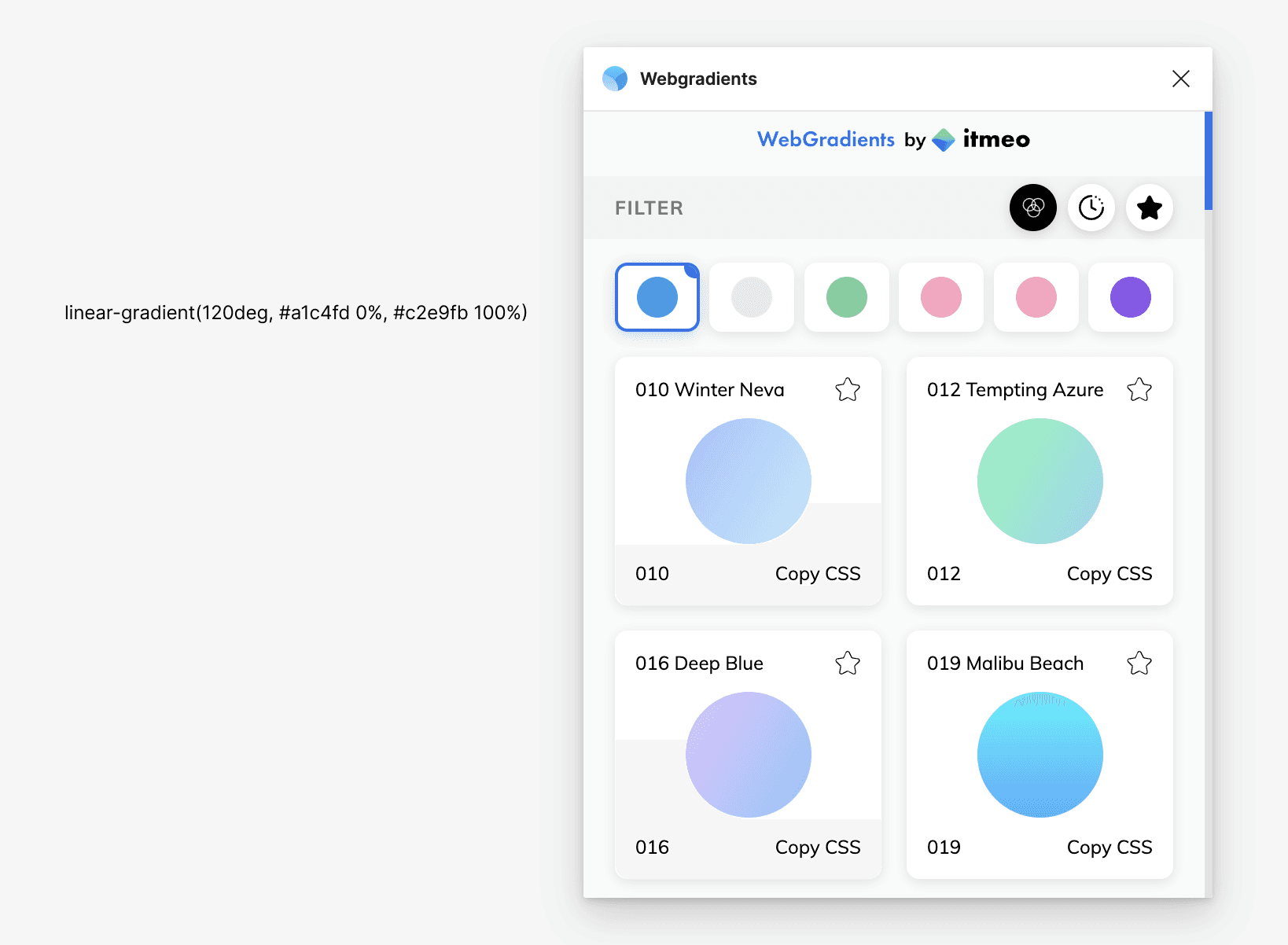
"Webgradients" is a Figma plugin that streamlines gradient color work during design. It features a library of approximately 180 gradients and is intuitive enough for beginners to use with ease.
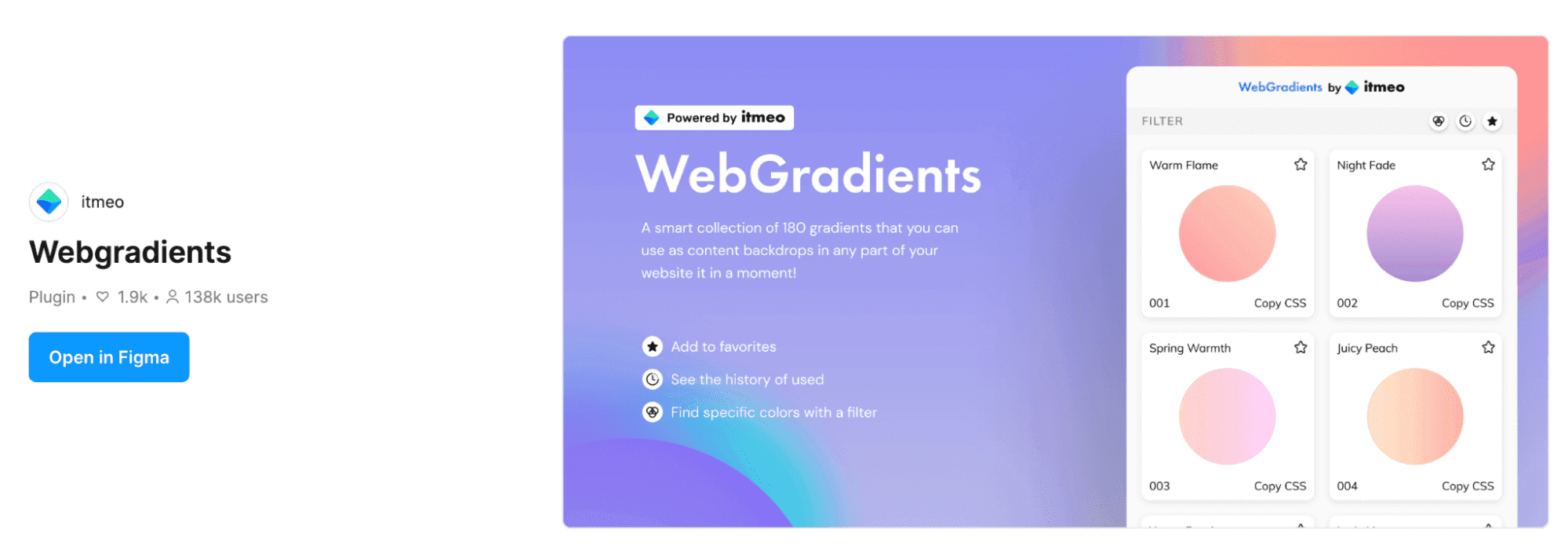
Key Features
Extensive Gradient Library
With approximately 180 presets available, it covers every design style imaginable. It offers a wide range of variations including pastel, vivid, and dark gradients.
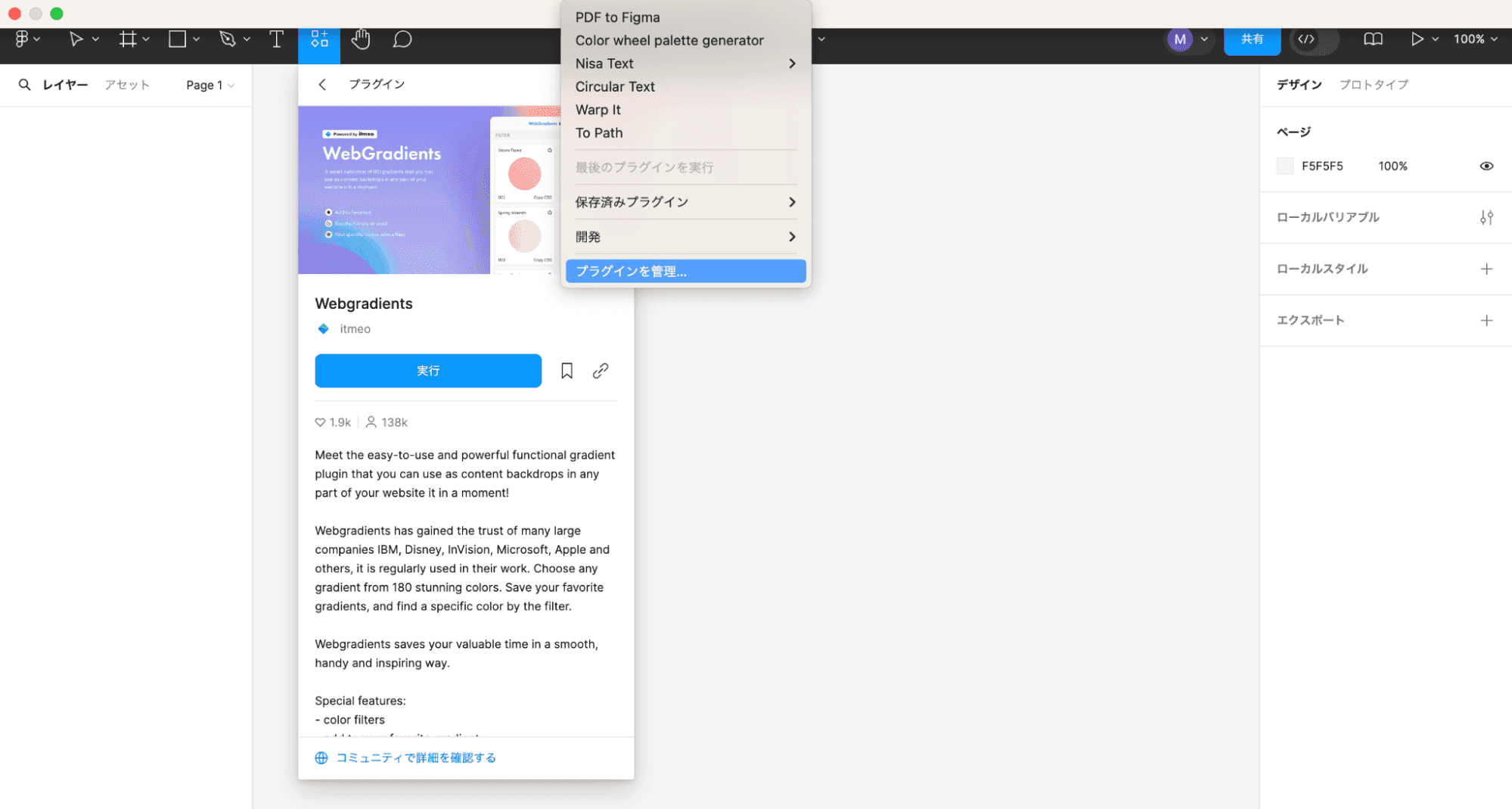
Color Filter Feature
It includes a filter feature that lets you search gradients by main color. You can quickly respond to requests like "I want a blue gradient" or "I'm looking for warm-toned options."
Two Usage Patterns
Pattern 1: CSS Code Export
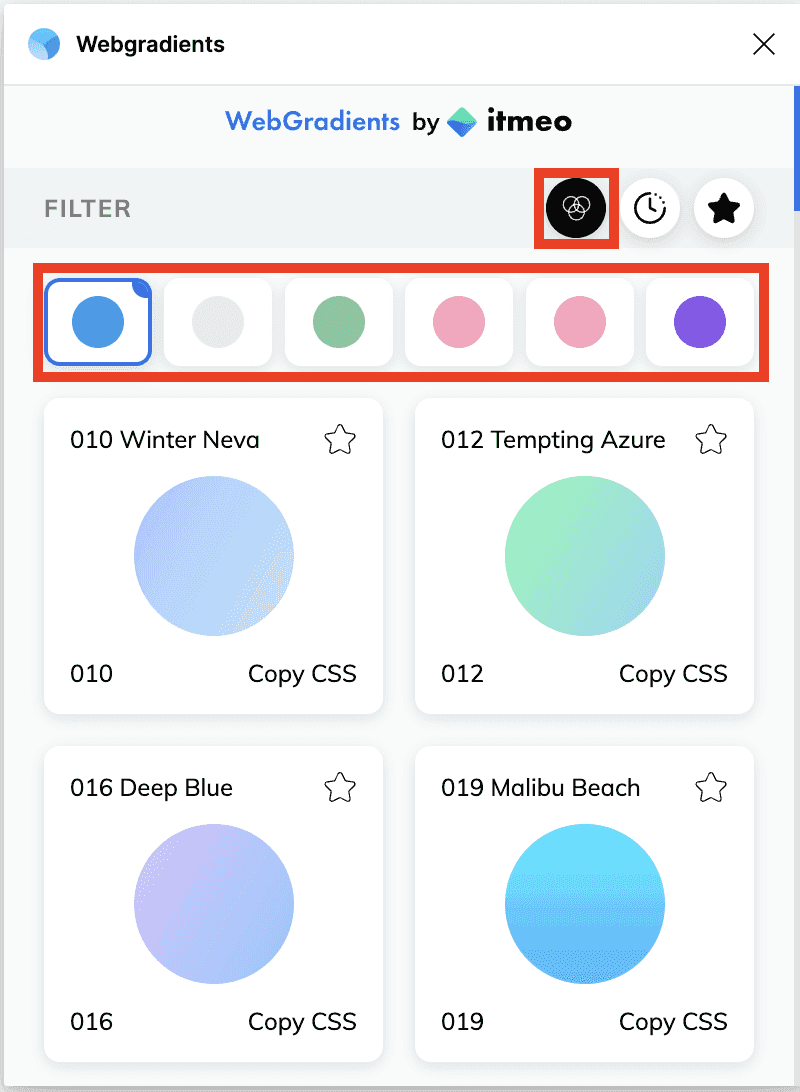
Webgradients has a CSS code export feature that can auto-generate code like the following.
```css
linear-gradient(120deg, #a1c4fd 0%, #c2e9fb 100%)
```
This smooths the transition from design to coding and helps reduce communication costs between designers and engineers.
Pattern 2: Apply Directly to Shapes in Figma
You can also apply gradients directly to shapes in Figma from the plugin. Just select from the presets and it's applied instantly, making it easy to experiment during the ideation phase.
Use Cases
- Website background design -- Coloring for hero sections and section backgrounds
- CTA buttons and card design -- As an accent to draw the user's eye
- Illustration and icon decoration -- Adding depth to flat design
- Prototype creation -- Setting colors when quickly building visual mockups
Notes for Web Implementation
Gradients can dramatically change the mood of a page, but readability comes first when using them as backgrounds. If you place white text on top, add a darker overlay. For body sections, avoid excessive contrast that makes text harder to scan.
When using exported CSS, the browser result can differ slightly from the Figma preview. Check both desktop and mobile after implementation, then adjust the angle or color stops if needed. You can also confirm plugin availability on Figma Community.
Conclusion
Webgradients is a Figma plugin that dramatically improves the efficiency of gradient color work. Make use of its 180 presets and CSS code export feature to create beautiful gradient designs efficiently.