Plugins to Expand Your Text Design Possibilities
Following up on Text & Font Edition — Part 1, this article introduces four plugins focused on text placement and design. They enable effects like placing text along curved paths and free-form distortion — expressions that are difficult to achieve with standard features.
1. To Path
Overview
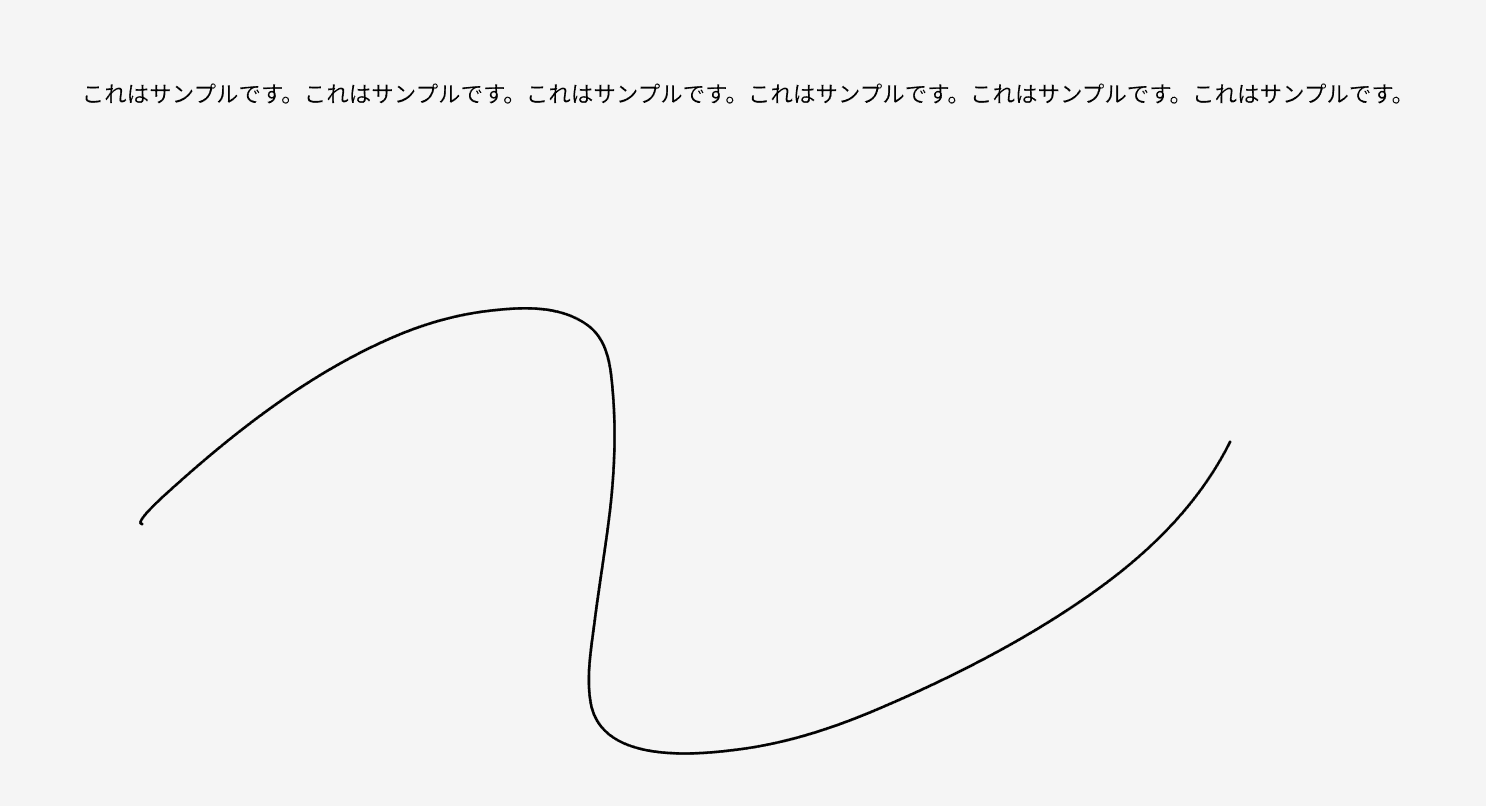
A plugin that lets you place text along a curved path. Arranging text along waves and curves dramatically enhances your design's expressiveness.
Adjustable Parameters
- Distance from path — specify the offset from the path numerically
- Text spacing — adjust spacing between characters
- Start position — set where along the path the text begins
Use Cases
- Wave-shaped text layouts
- Curved text for logo design
- Decorative banner text
Tip: Combining this with the Wave & Curve plugin enables even more complex path designs.
2. Warp It
Overview
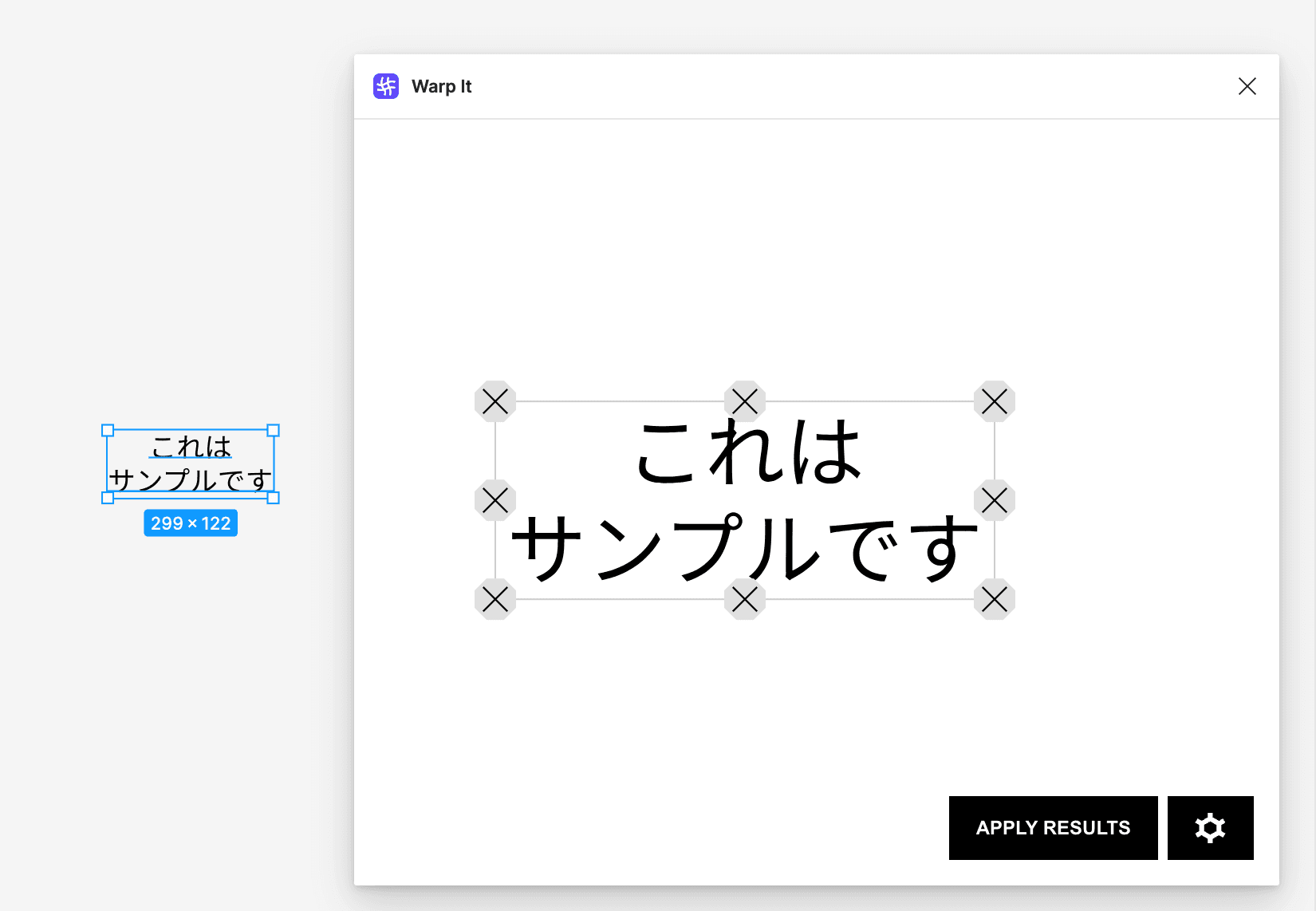
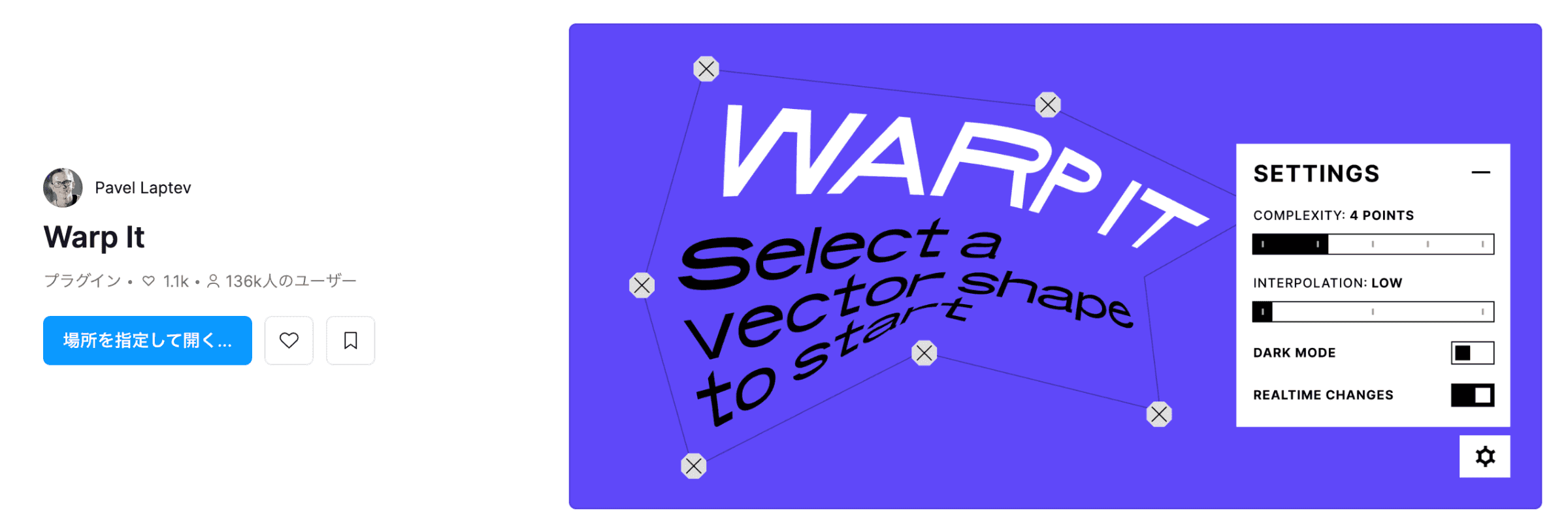
A plugin that lets you freely distort text by dragging control points. Extremely useful for creating impactful logos.
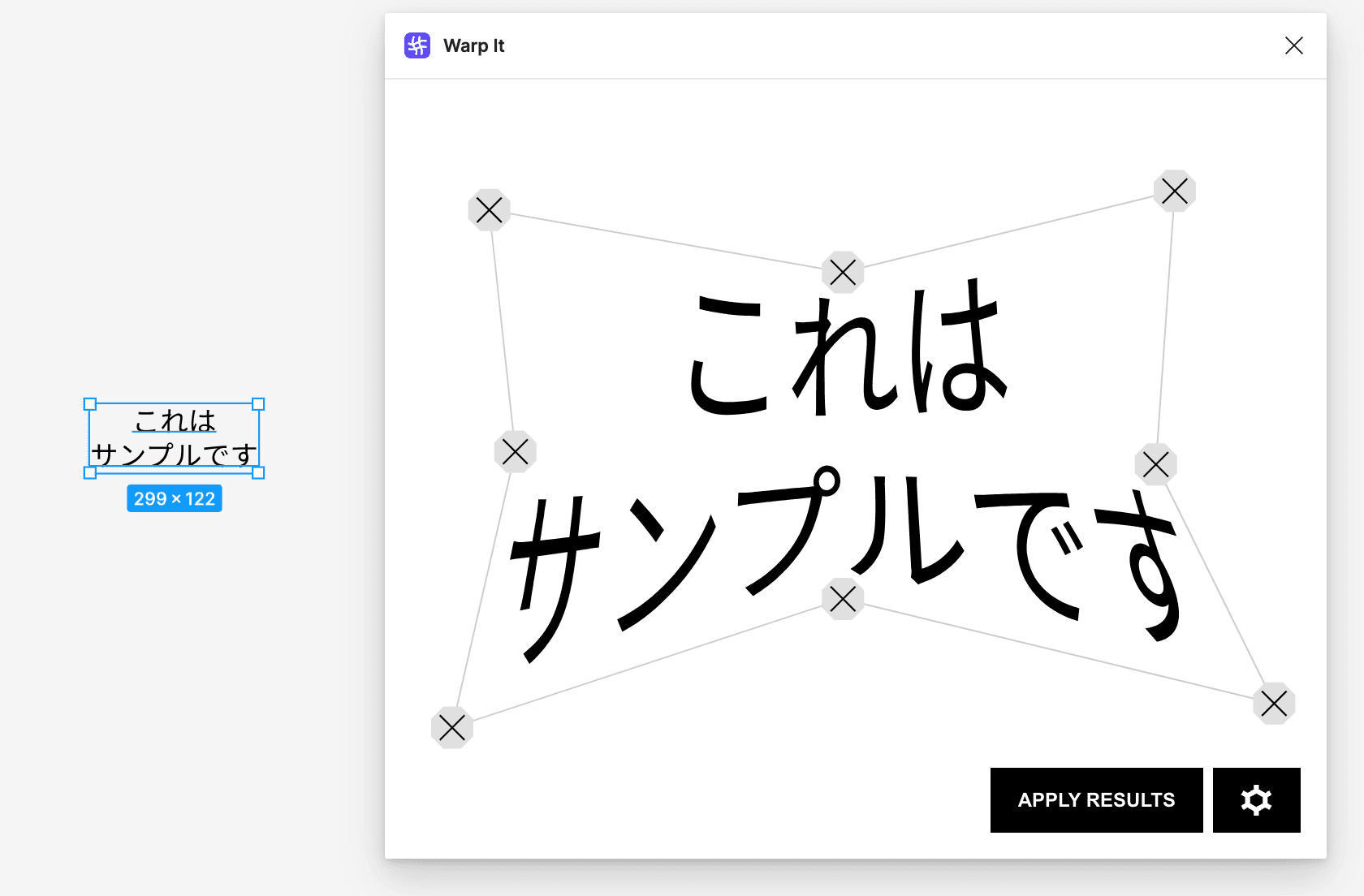
How to Use
- Select a text element
- Launch Warp It
- Drag the corner control points to distort
- Confirm the result
Important Note
After applying the warp, the text is converted to vector paths, meaning it can no longer be edited as text. It's recommended to keep a copy of the original text before warping.
3. Circular Text
Overview
A plugin that arranges text in a circular layout. Ideal for logos and stamp designs.
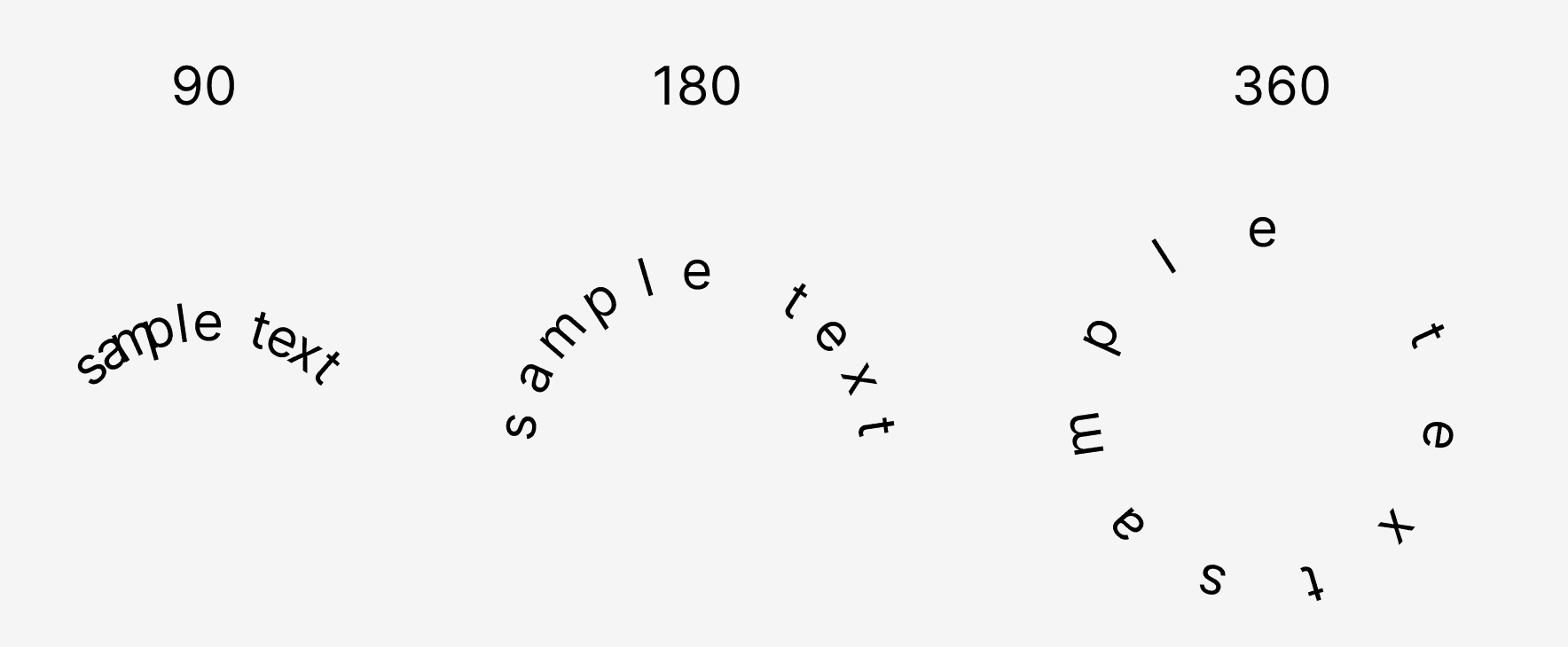
Features
- Adjustable circle radius
- Specify the starting angle of the text
- Generated as individual layers, enabling character-by-character adjustments
Use Cases
- Stamp designs
- Badges and emblems
- Circular logos
- Sticker designs
4. Nisa Text
Overview
A plugin that splits multi-line text into separate layers by line break. It makes layout adjustments for web production significantly easier.
Benefits
- Splits text into independent layers for each line
- Enables style changes on individual lines
- Converts to a coding-friendly layer structure for web production
Use Cases
- Preparing designs for web coding
- Applying different styles to individual lines
- Fine-tuning layouts
Conclusion
Using these four plugins significantly expands your text design capabilities in Figma. To Path and Circular Text are especially effective for logo design, while Nisa Text is great for streamlining web production. Be sure to use them alongside Text & Font Edition — Part 1.