Text & Font Plugins to Boost Your Design Efficiency
In Figma design work, font selection and text input are critical steps. By using plugins, you can dramatically speed up your design process and reduce errors that are common with manual work.
This article introduces four plugins that specialize in text and font tasks.
Font Selection Plugins
1. Japanese Font Picker
Overview
A plugin that lets you instantly preview Japanese fonts. Since Figma's standard font picker displays fonts by their English names, it can be difficult to see what Japanese fonts actually look like — this plugin solves that problem.
Benefits
- Instantly preview Japanese font designs
- Drastically reduce trial-and-error in font selection
- Preview Japanese-specific stroke characteristics beforehand
Recommended Use Cases
- Web design projects primarily in Japanese
- Font selection for Japanese-style designs
- Creating font comparison materials for client presentations
2. Font Fascia
Overview
A plugin that displays a list of all text fonts used in a file. An essential tool for design quality control.
Benefits
- Check for unexpected mixed fonts
- Verify consistency with design guidelines
- Ideal for pre-delivery font checks
Recommended Use Cases
- Font verification during design reviews
- Maintaining font consistency in multi-person projects
- Creating font specification documents before coding
Text Input Plugins
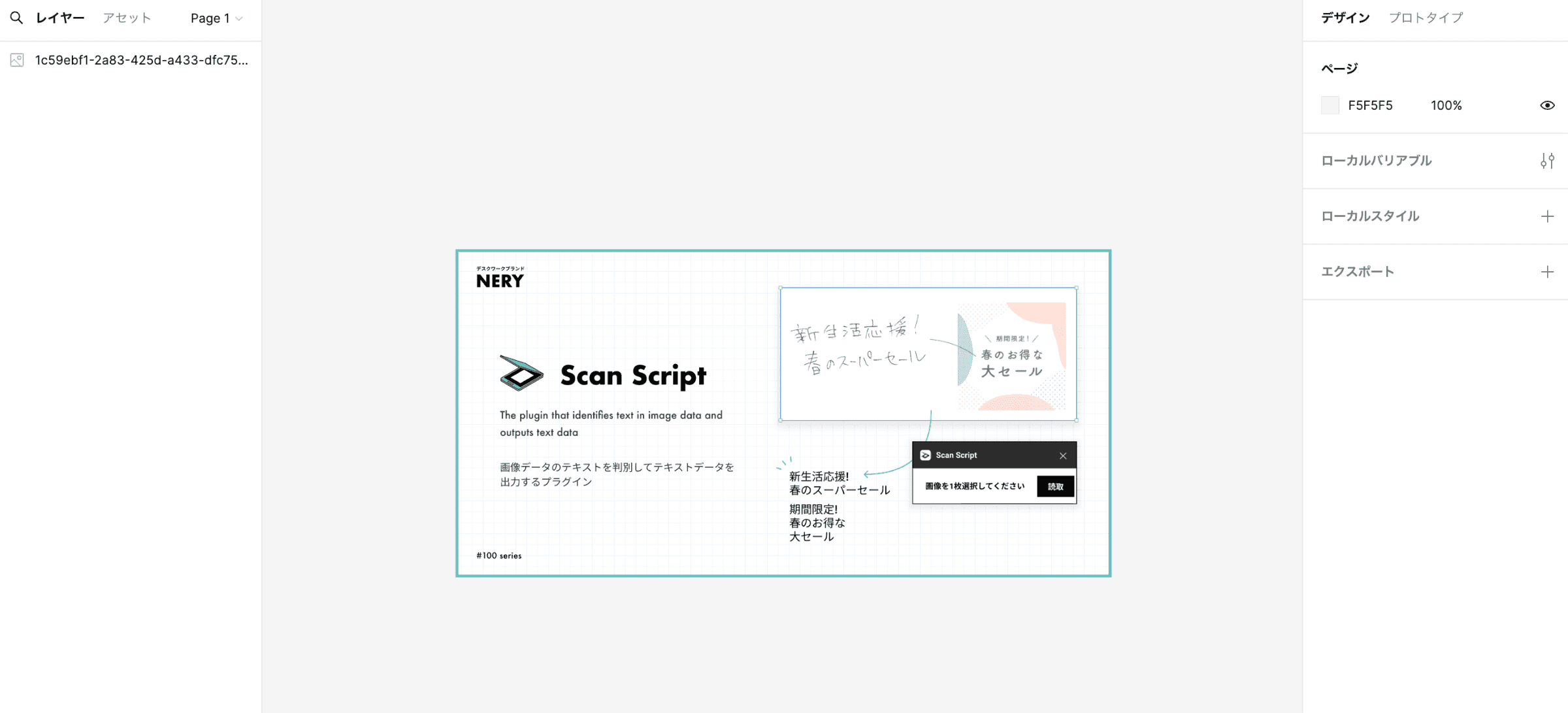
3. Scan Script
Overview
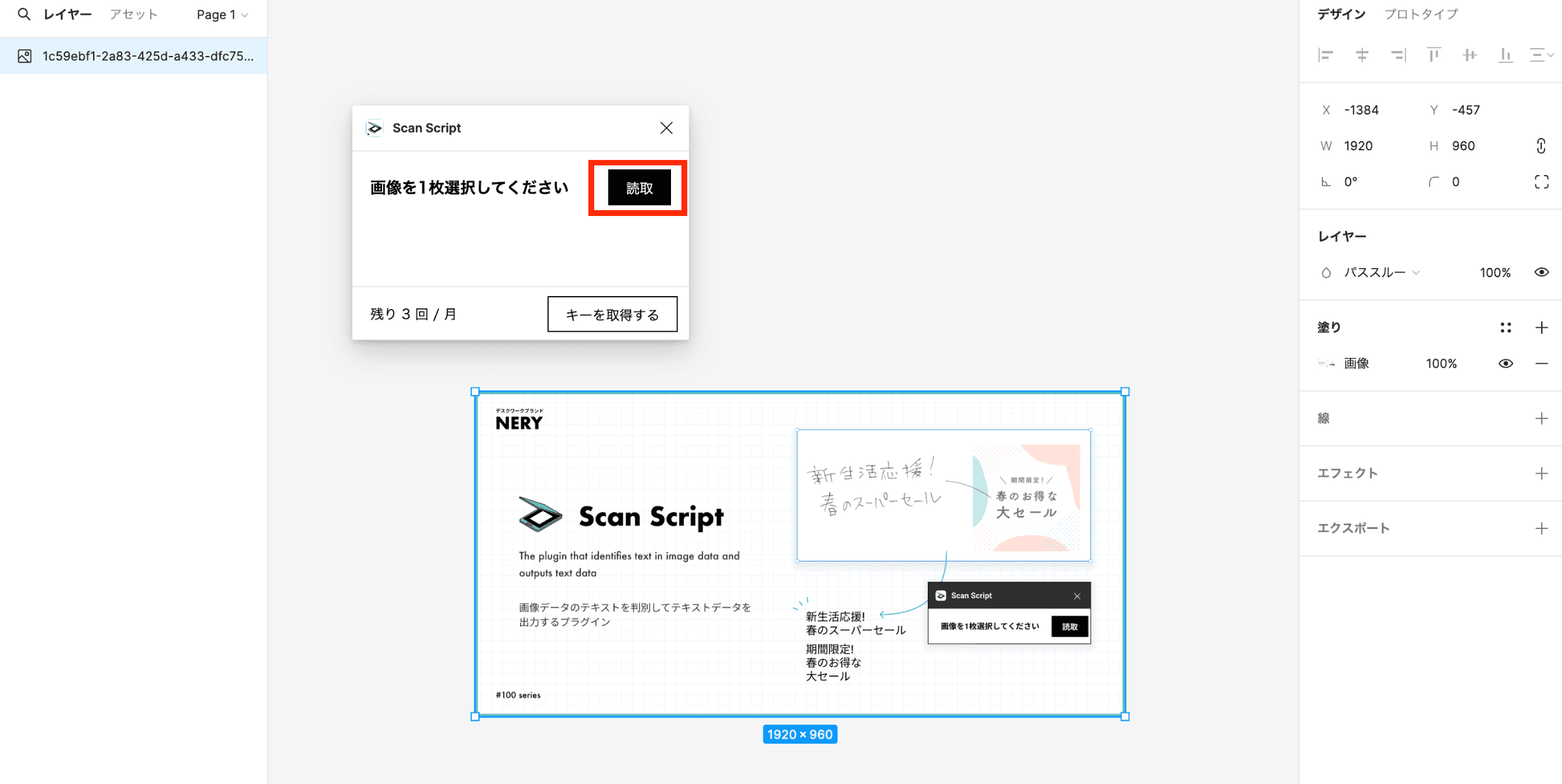
An OCR plugin that automatically extracts text from images. It helps reduce typographical errors from manual typing.

Benefits
- Automates text extraction from images
- Significantly reduces the risk of typos
- Streamlines migration of large volumes of text data
Recommended Use Cases
- Importing text provided as images from clients
- Extracting text from existing designs
- Digitizing print materials
4. Find and Replace
Overview
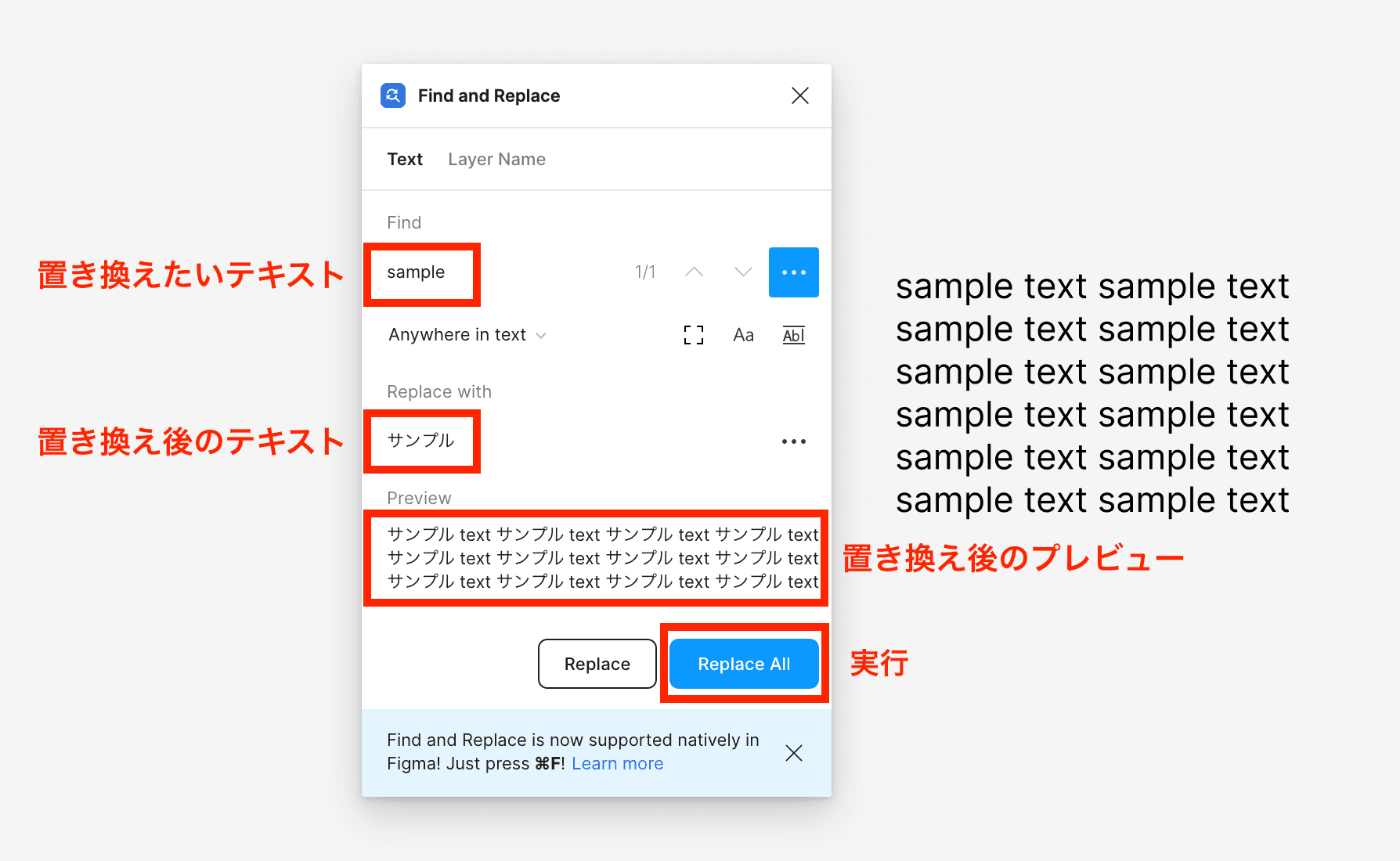
A plugin that lets you batch-replace text across multiple locations. It streamlines wording changes in large design files.
Benefits
- Batch replace text across multiple locations
- Prevent manual errors
- Works fast even in large files
Recommended Use Cases
- When product names change
- Standardizing terminology
- Customizing templates
Conclusion
By leveraging text and font plugins, you can improve both the speed and quality of your designs. Japanese Font Picker and Find and Replace are especially valuable for Japanese-language design work. Be sure to also check out Text & Font Edition — Part 2.