What Is Figma's Student Plan?
Figma offers an "Education Plan" for students, providing the same features as the Professional plan completely free of charge. It's an incredibly valuable plan for students learning design.
Registration in 4 Steps
STEP 1: Access the Student Verification Site
First, go to Figma's student verification page.
```
https://www.figma.com/education/apply
```
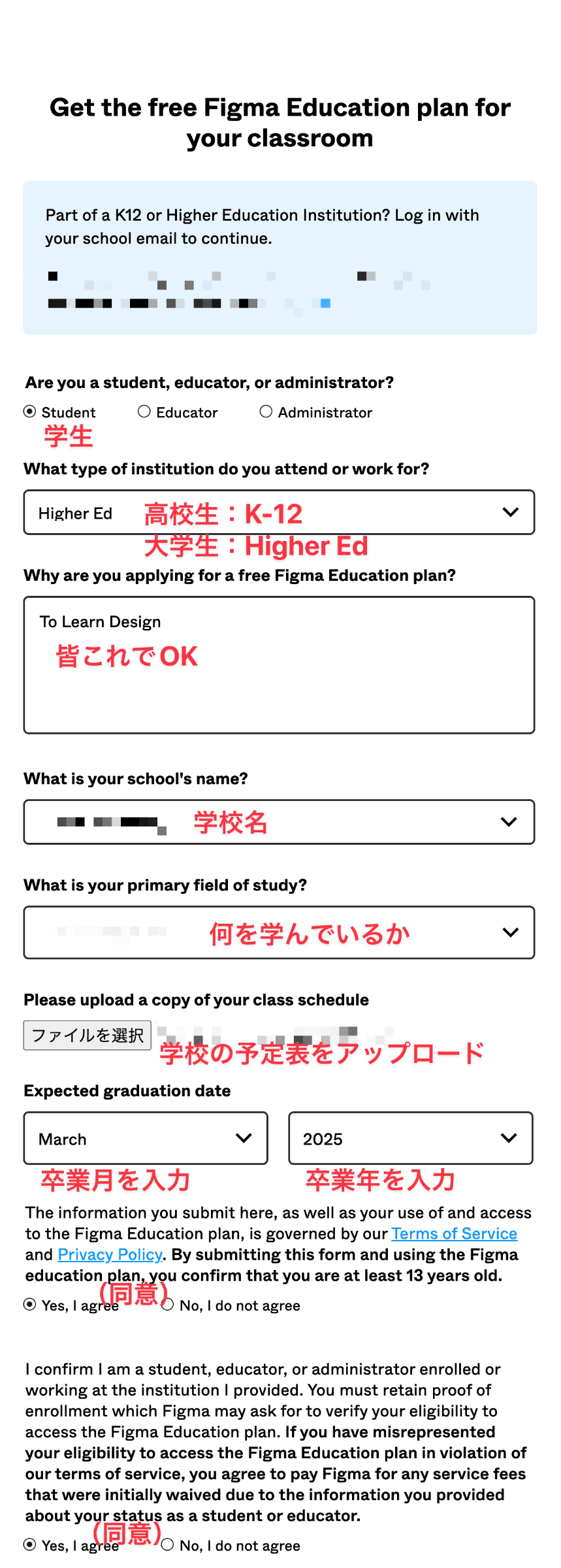
You can start your student plan application from this page.
STEP 2: Create an Account
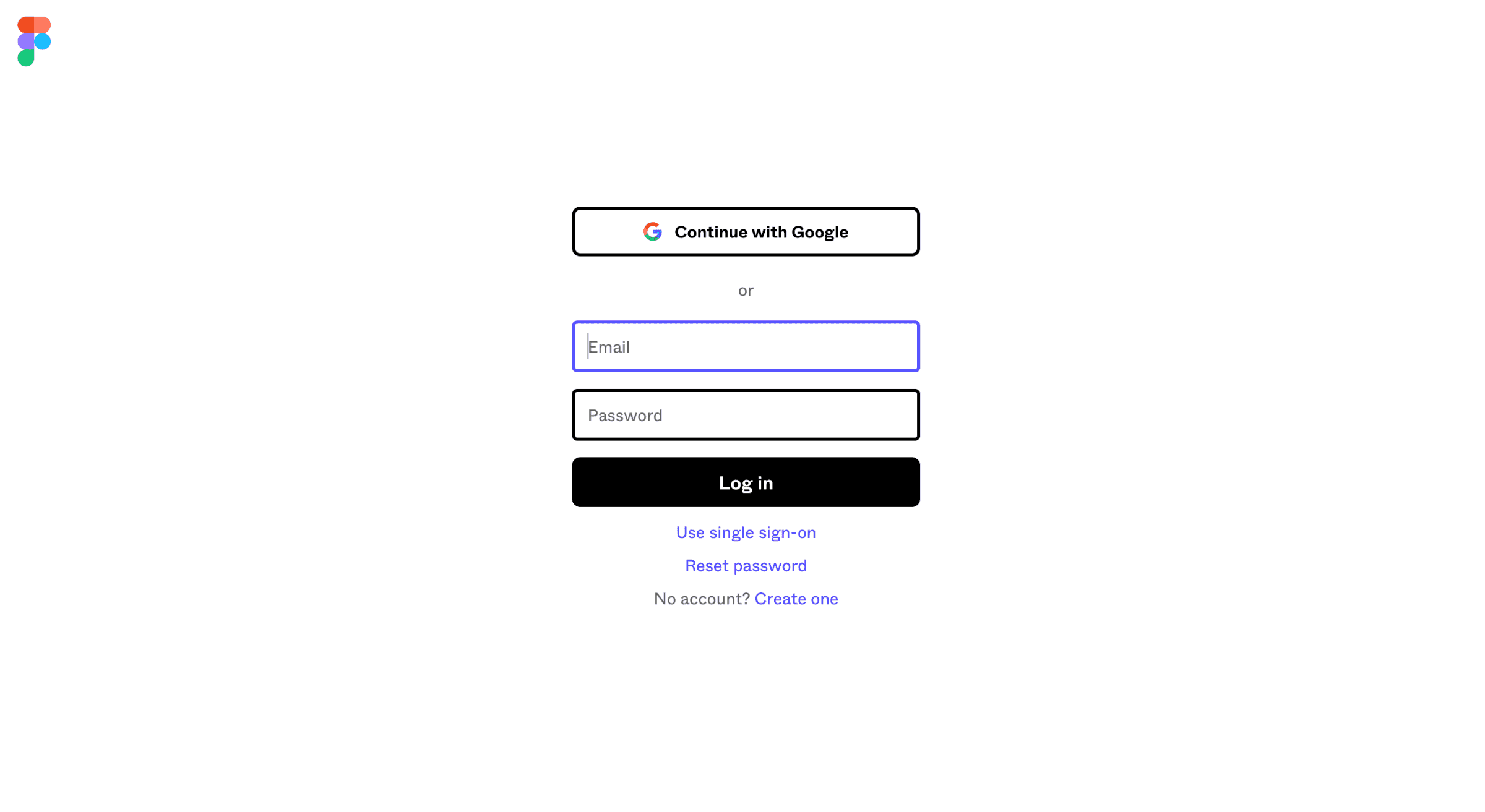
Log in using the "Continue with Google" button.
Important: The email address you register with must be a school email -- otherwise you'll get an error. Personal Gmail or Yahoo email addresses won't pass student verification, so be sure to use an email address issued by your school (e.g., `@university.edu`).
STEP 3: Begin Student Verification
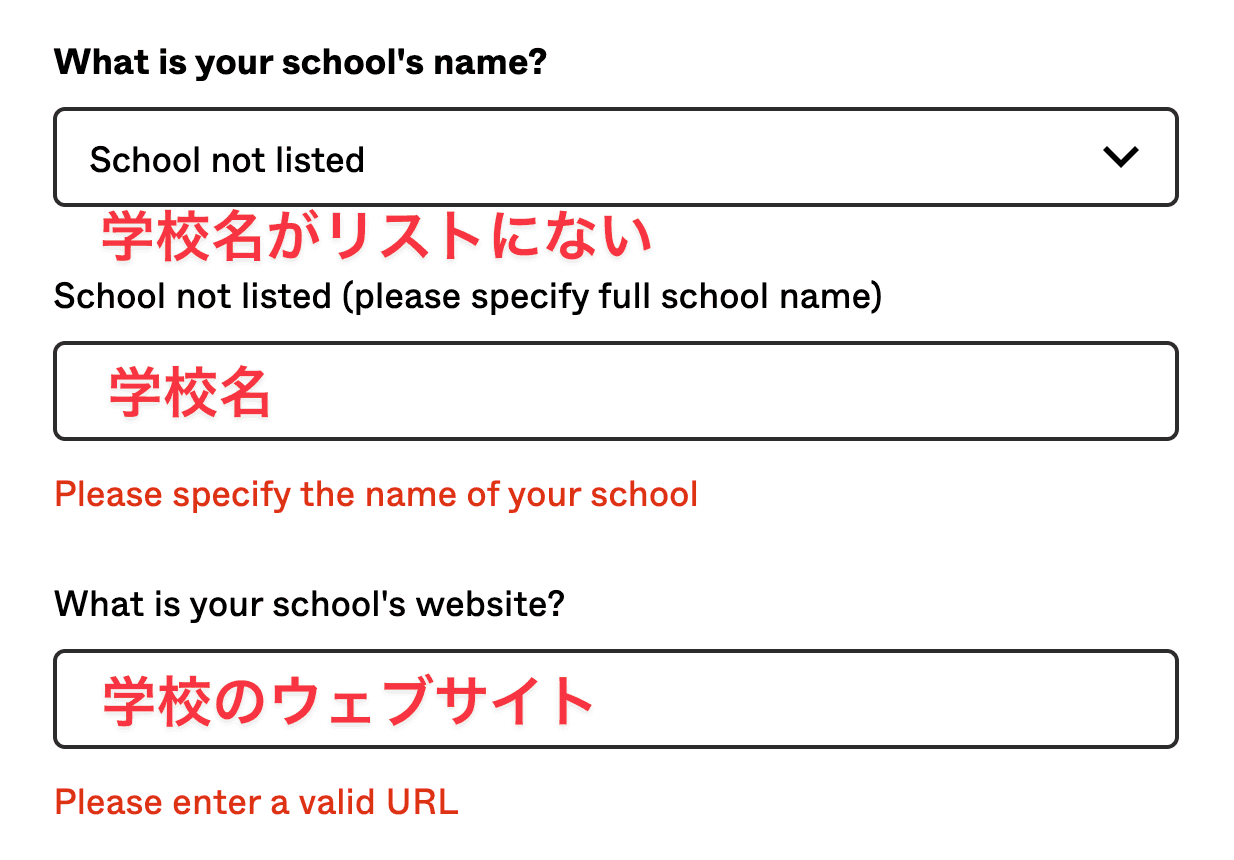
Enter your school information to prove your student status.
- Enter your school name (selectable from a list)
- Manual entry is also available for schools not on the list
- Enter your expected graduation date
- Additional verification such as a student ID may be required
STEP 4: Done
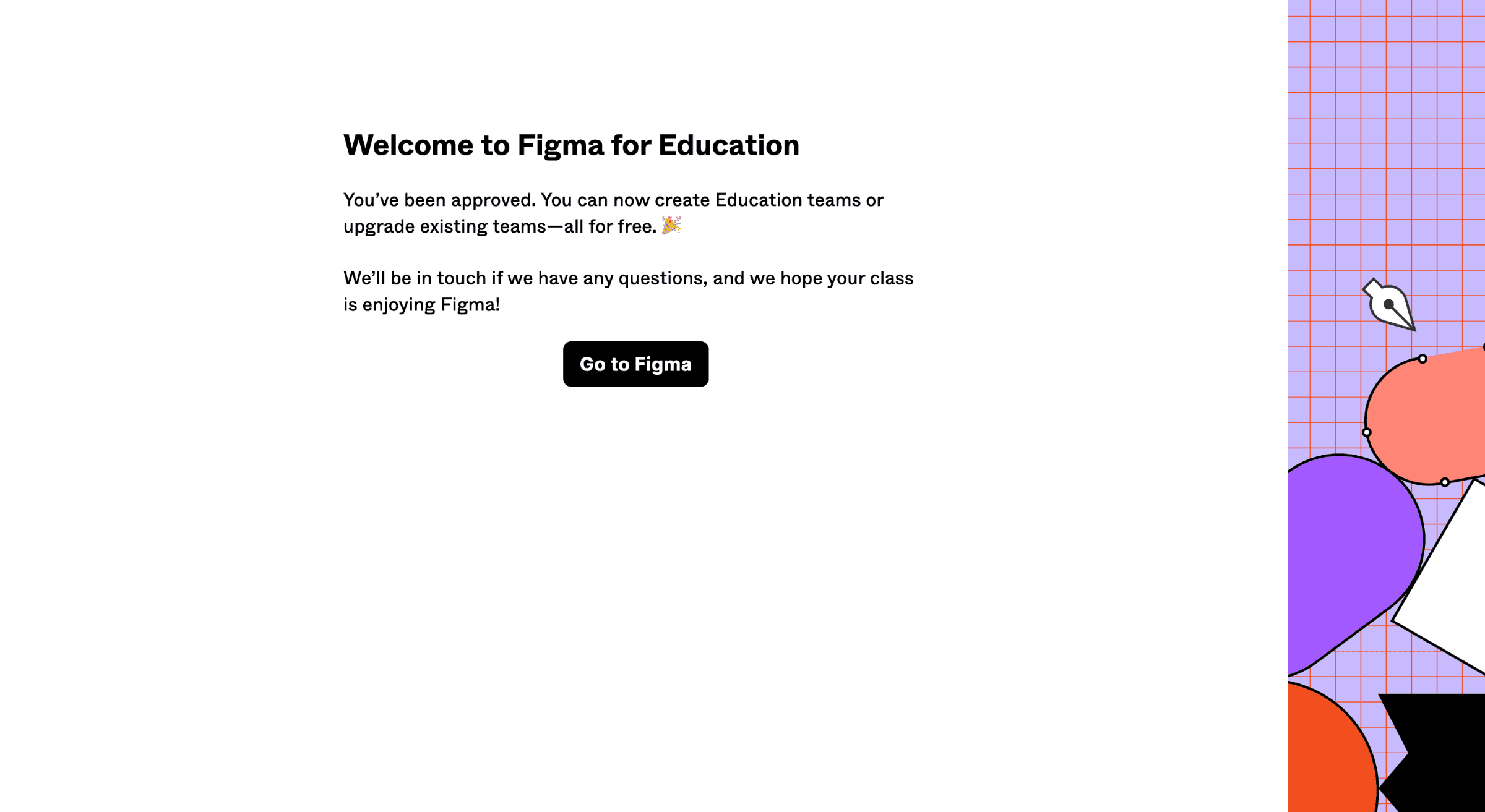
Once verification is complete, you can use all of Figma's amazing features completely free of charge.
Key Features Available with the Student Plan
- Unlimited projects -- Unlimited personal and team projects
- Team library -- Sharing of components and styles
- Version history -- View and restore change history
- Branching -- Design version control
- Prototyping -- Create interactive prototypes
FAQ
What if I don't have a school email address?
Some schools don't issue school email addresses. In that case, contact Figma support directly and try authenticating by submitting your student ID.
What happens after graduation?
After graduation, you'll transition to a regular pricing plan. All data created during the student plan period will be preserved.
Conclusion
Figma's student plan is an extremely valuable plan for students learning design. Take advantage of this opportunity to use professional-level features for free.