How to Skew Text in Figma
When designing banners or creating logos, there are many situations where you want to tilt text at an angle. Since Figma's built-in features don't include text skewing, you need to use plugins.
The SkewDat Plugin
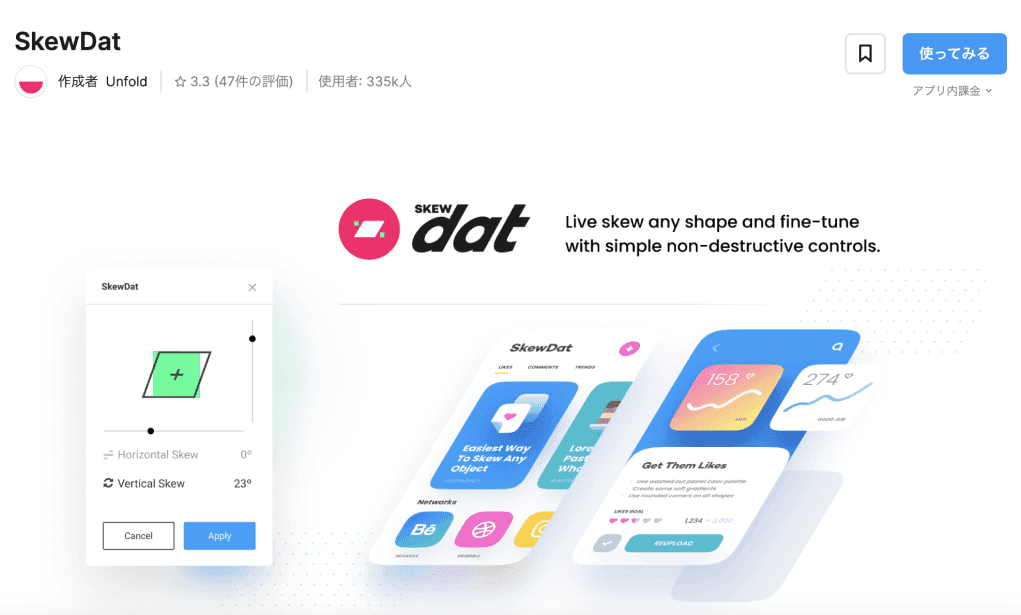
The most recommended plugin was originally "SkewDat."
Features
- Simple operation -- just adjust the horizontal and vertical angles and apply
- Batch application is possible for grouped objects
- Intuitive UI that's easy for beginners
About the Paid Model
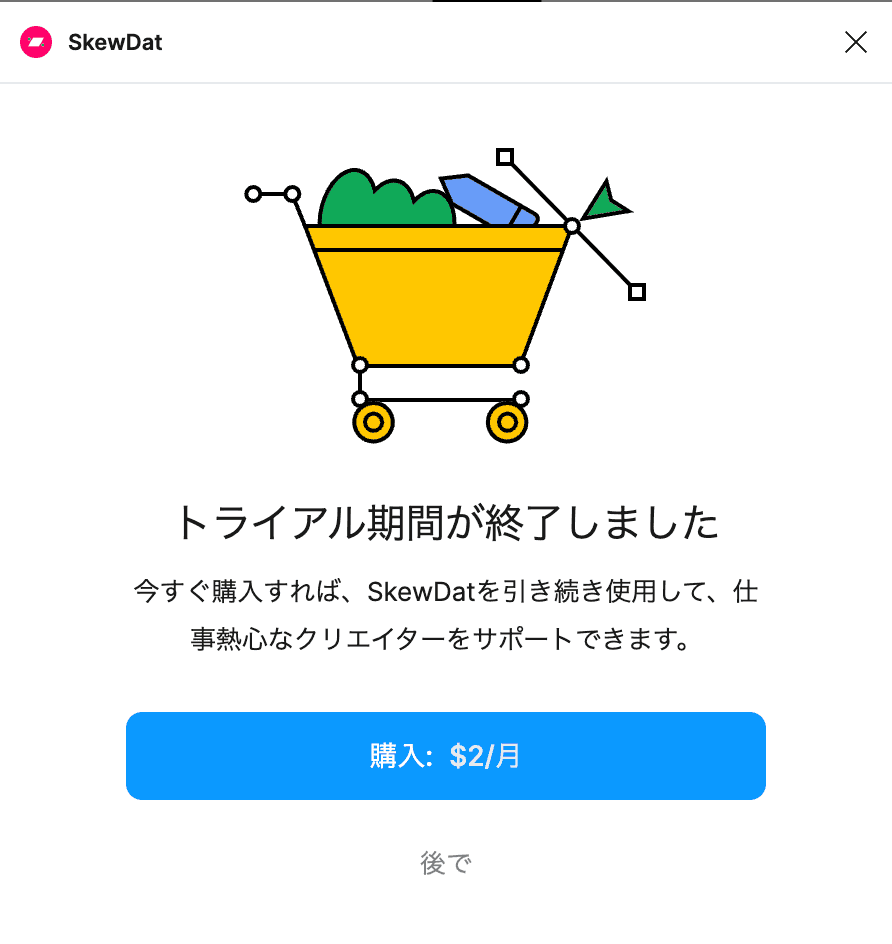
However, as of September 2023, SkewDat switched to a subscription model at $2/month. For those who want a free option, we recommend the following alternative plugins.
Alternative 1: Warp it
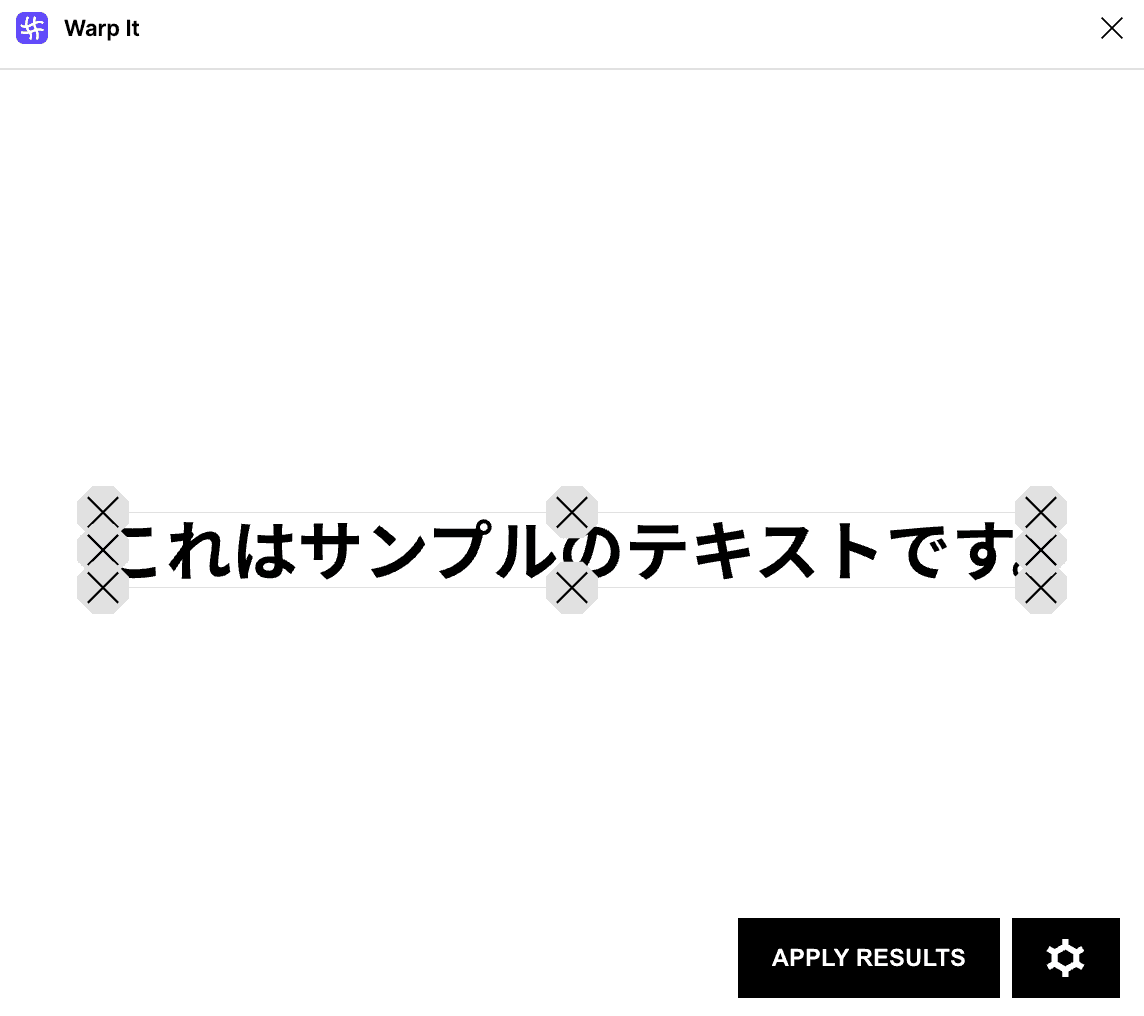
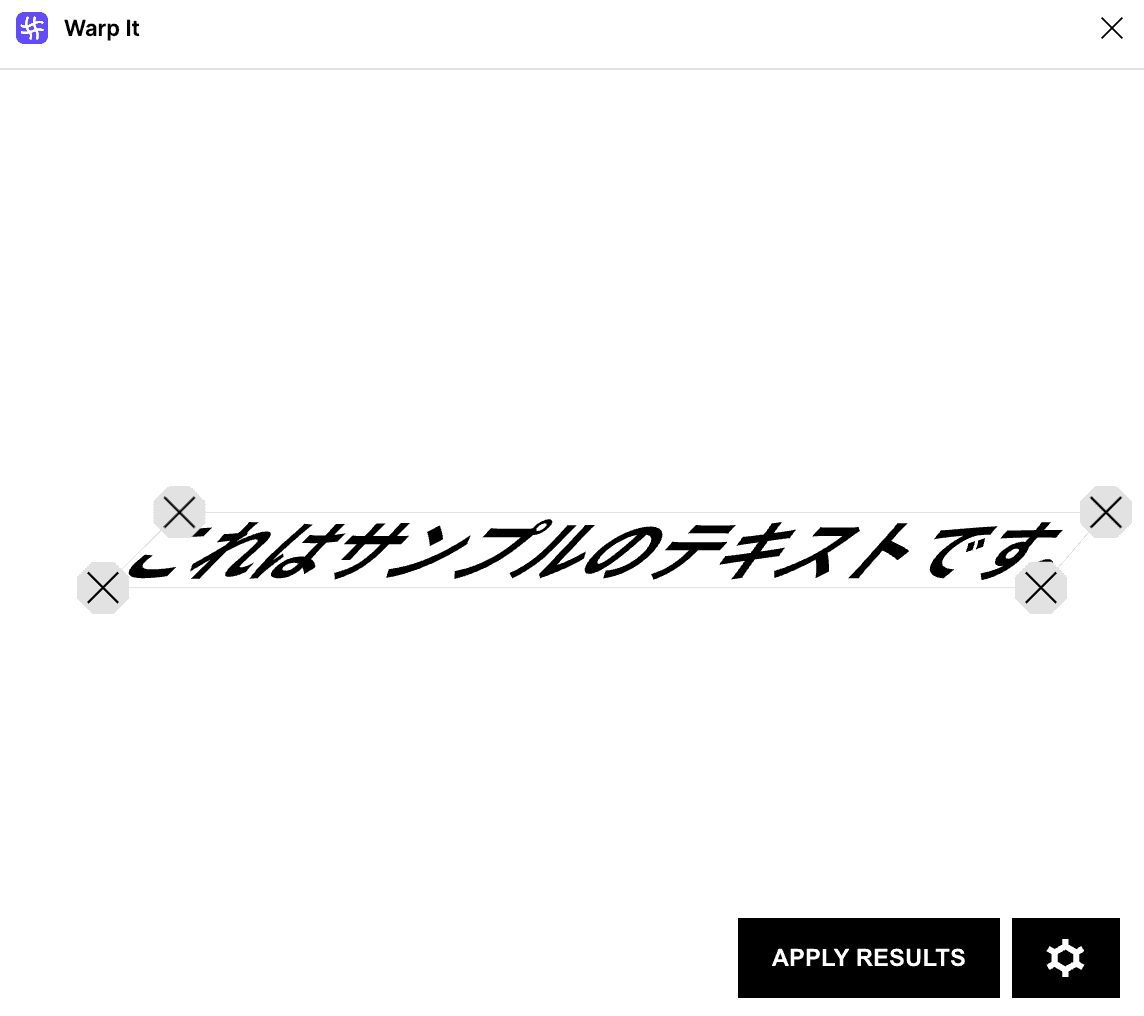
Select text, change the setting to "4POINTS," and manually adjust the angle at 2 points.
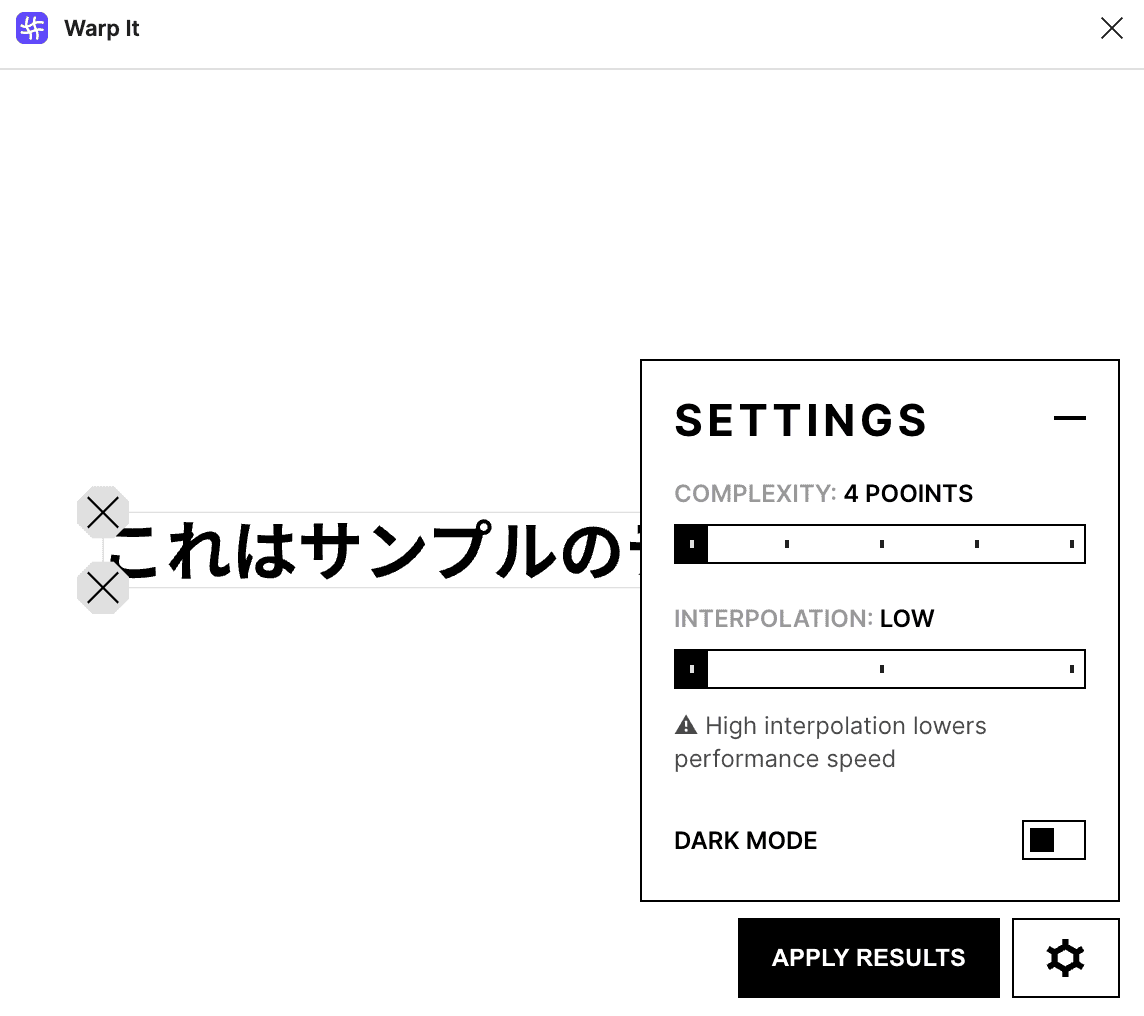
How to Use
- Select the text
- Launch the Warp it plugin
- Set the mode to "4POINTS"
- Drag the corner points to adjust the angle
- Press apply to confirm
It requires some manual adjustment, but being free is a major advantage.
Alternative 2: Skew (Recommended)
This is the latest plugin that the author rates as "definitely more convenient than Warp it."
Advantages of Skew
- Precise angle input by value -- Enables exact operations like "skew by 30 degrees"
- Simple operation -- Similar feel to SkewDat
- Free to use -- No subscription required
It has gained attention as the most viable alternative plugin since SkewDat went paid.
Which Plugin Should You Choose?
- Need precise angle values -- Skew is recommended
- Want freeform transformations -- Warp it is recommended
- Have room in your budget -- SkewDat ($2/month) is still excellent
What to Check Before Using These Plugins
Figma plugins can change in price, availability, and UI. Before using one in production work, check the latest status on Figma Community.
Skewed text is visually strong, but it can reduce readability. If you use it for banners or thumbnails, check the design at mobile size, confirm that letter spacing is not too tight, and verify that exported edges still look clean.
Conclusion
Text skewing is an important technique that expands your range of design expression. While SkewDat's switch to paid is unfortunate, free alternatives like Warp it and Skew let you achieve equal or even better results.