What Is Image Palette?
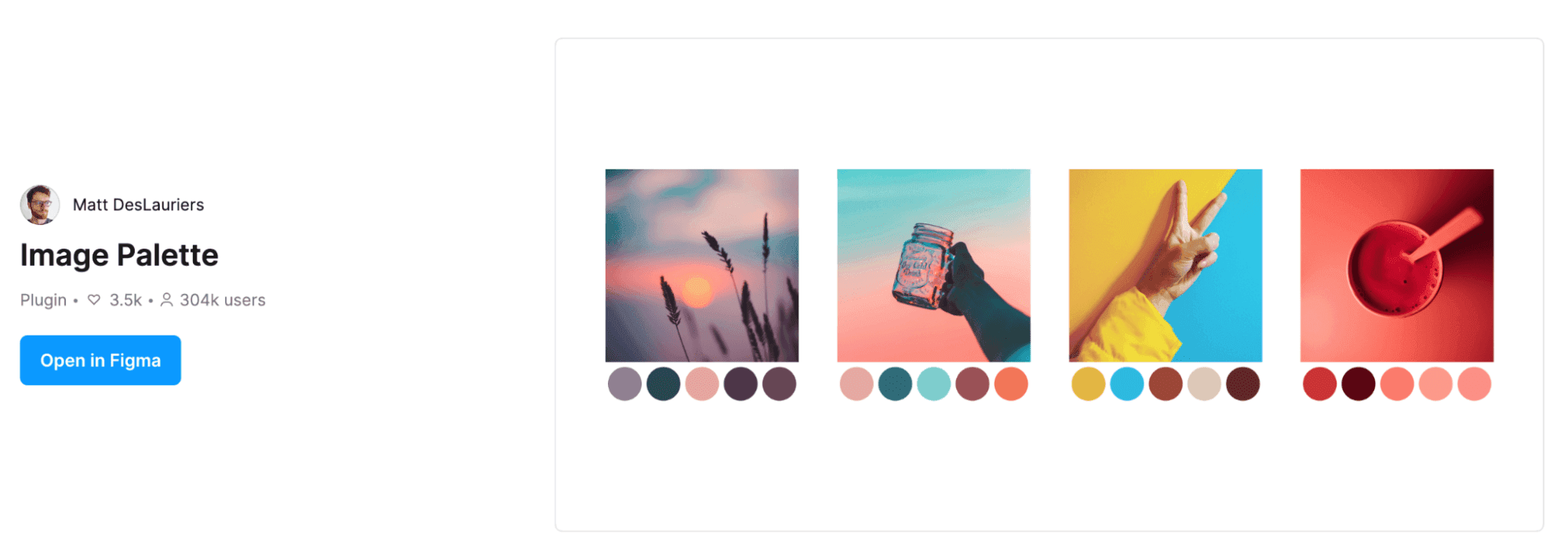
"Image Palette" is a Figma plugin that automatically generates color palettes from images. It dramatically reduces the time designers spend manually using the eyedropper tool to extract color codes.
How to Use It
Using it is extremely simple.
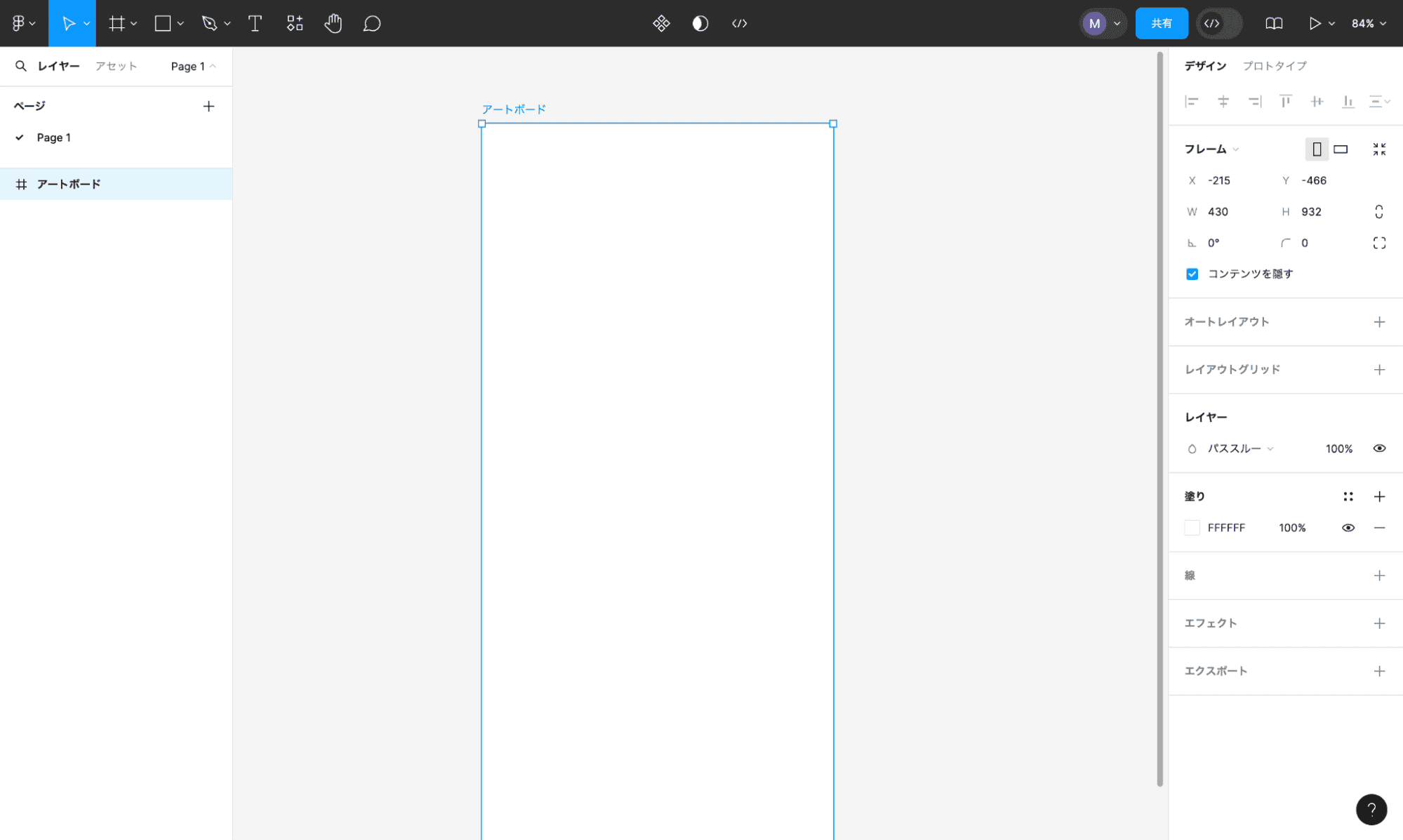
- Place an image on the artboard
- Right-click while the image is selected
- Select "Image Palette" from the plugin menu
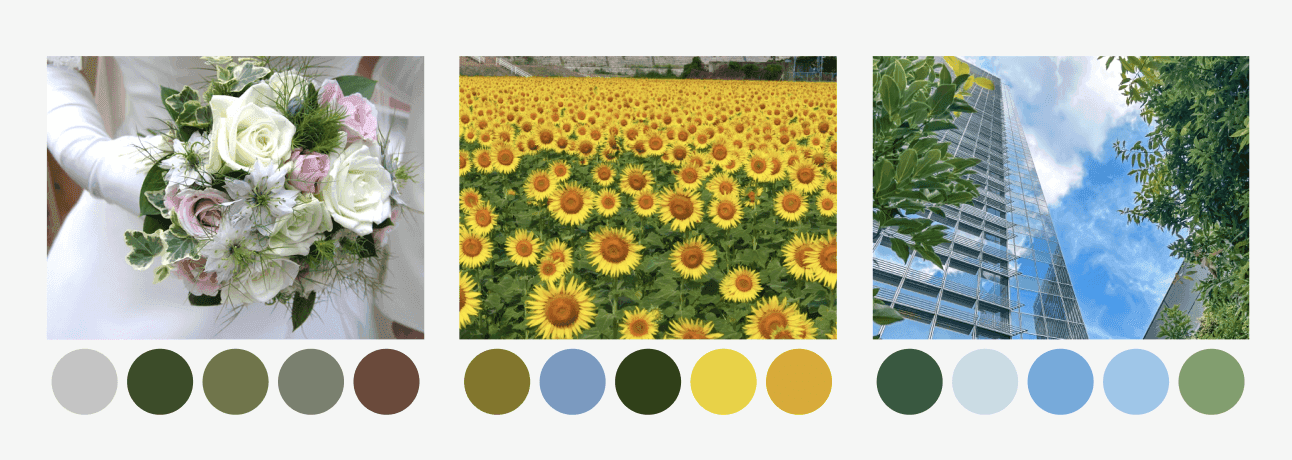
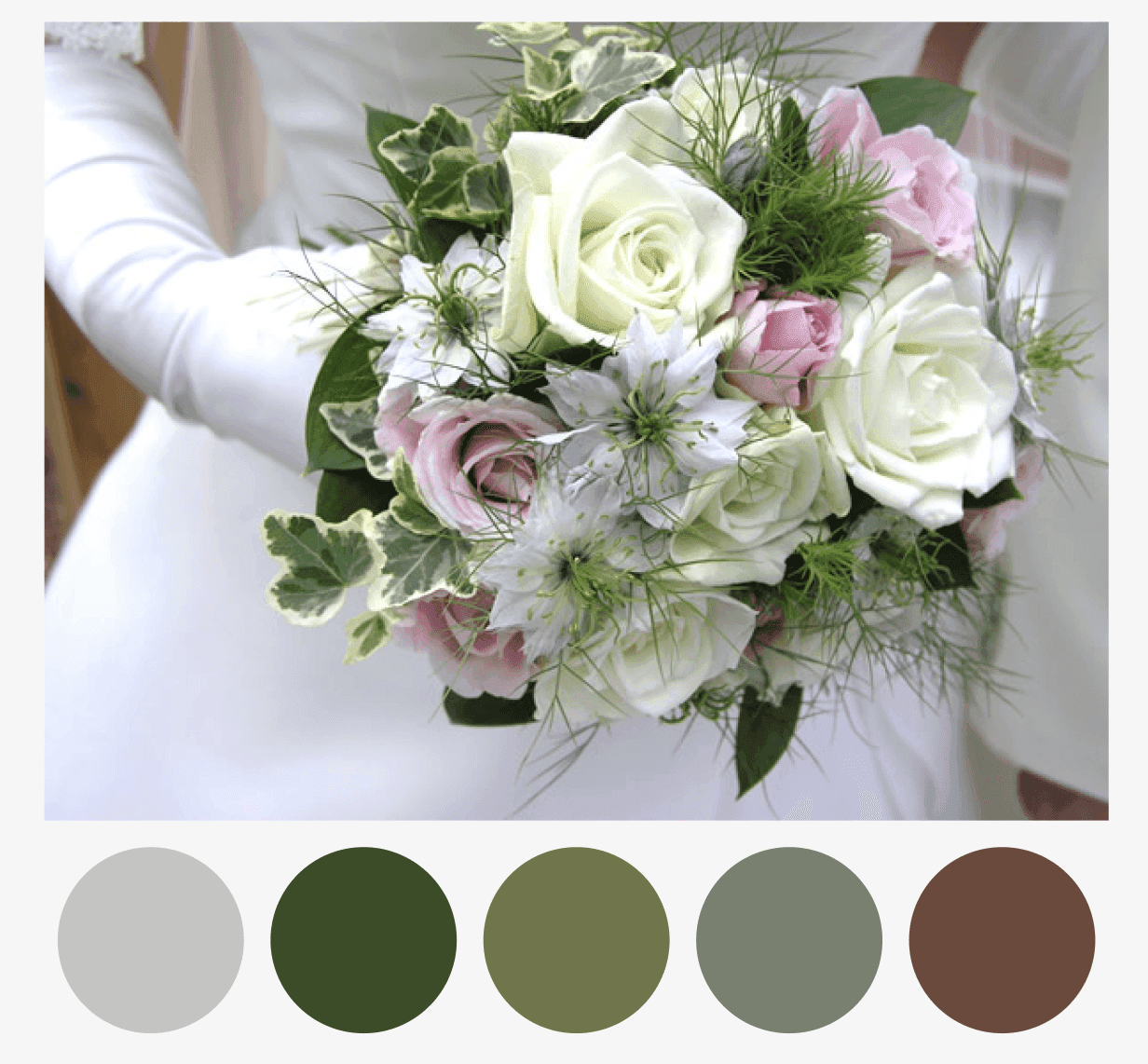
- The main colors in the image are automatically extracted and a palette is generated
If you select multiple artboards, multiple palettes corresponding to each image can be generated simultaneously.
Use Cases
Branding Design
Image Palette truly shines in branding design. You can efficiently extract colors that match a company's brand image from logos or reference photos provided by clients.
- Extract accurate brand colors from a client's logo
- Create color palettes that match the mood from reference images
- Analyze colors from competitor website screenshots
Web Design
It's also useful for website color scheme planning. You can extract common colors from images collected on a mood board and apply them to the overall site color plan.
Photo-Based Design
For designs that heavily use photography, it can help select text colors and button colors that harmonize with the photos. Coordinated color schemes that complement the photos improve the overall design cohesion.
Benefits
The biggest advantage of Image Palette is that it lets you "get attractive color palettes while saving time." Manually picking colors is not only time-consuming but also tends to be biased by subjective judgment. By leveraging automatic extraction through the plugin, you can efficiently create objective, reproducible color palettes.
Conclusion
Image Palette is a convenient Figma plugin that automates color extraction from images. It will contribute to improving color scheme efficiency and quality in branding and web design workflows.