Part 2: Even More Unique Illustration Tools
Following up on Part 1, here are more illustration plugins and design files you can use in Figma. This time, we've picked three tools with greater expressive power that are perfect for web ads and logo design.
1. OpenPeeps
Features
OpenPeeps offers hand-drawn, Western-style illustration assets. With an incredible 580,000+ possible combinations, it's free for both personal and commercial use.
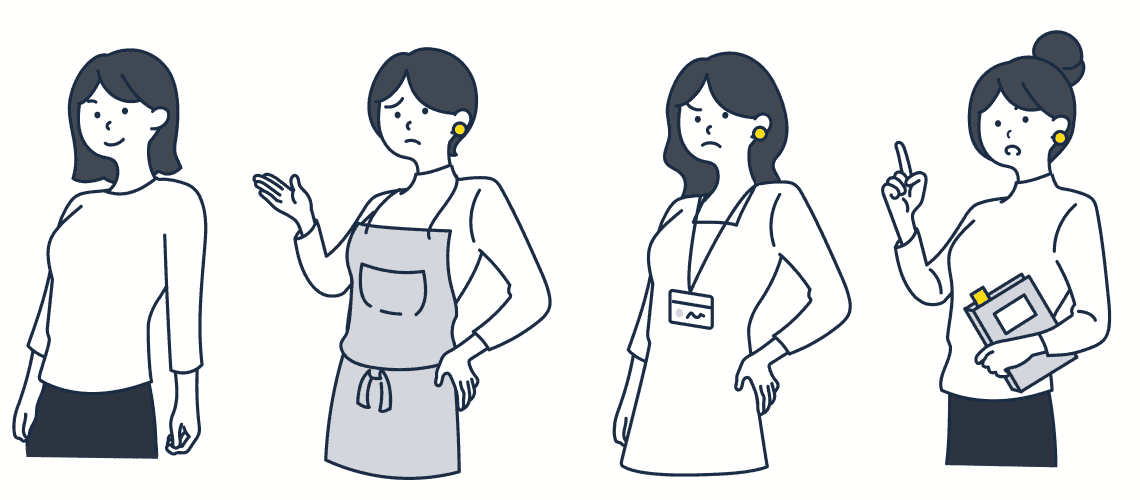
Customizable Elements
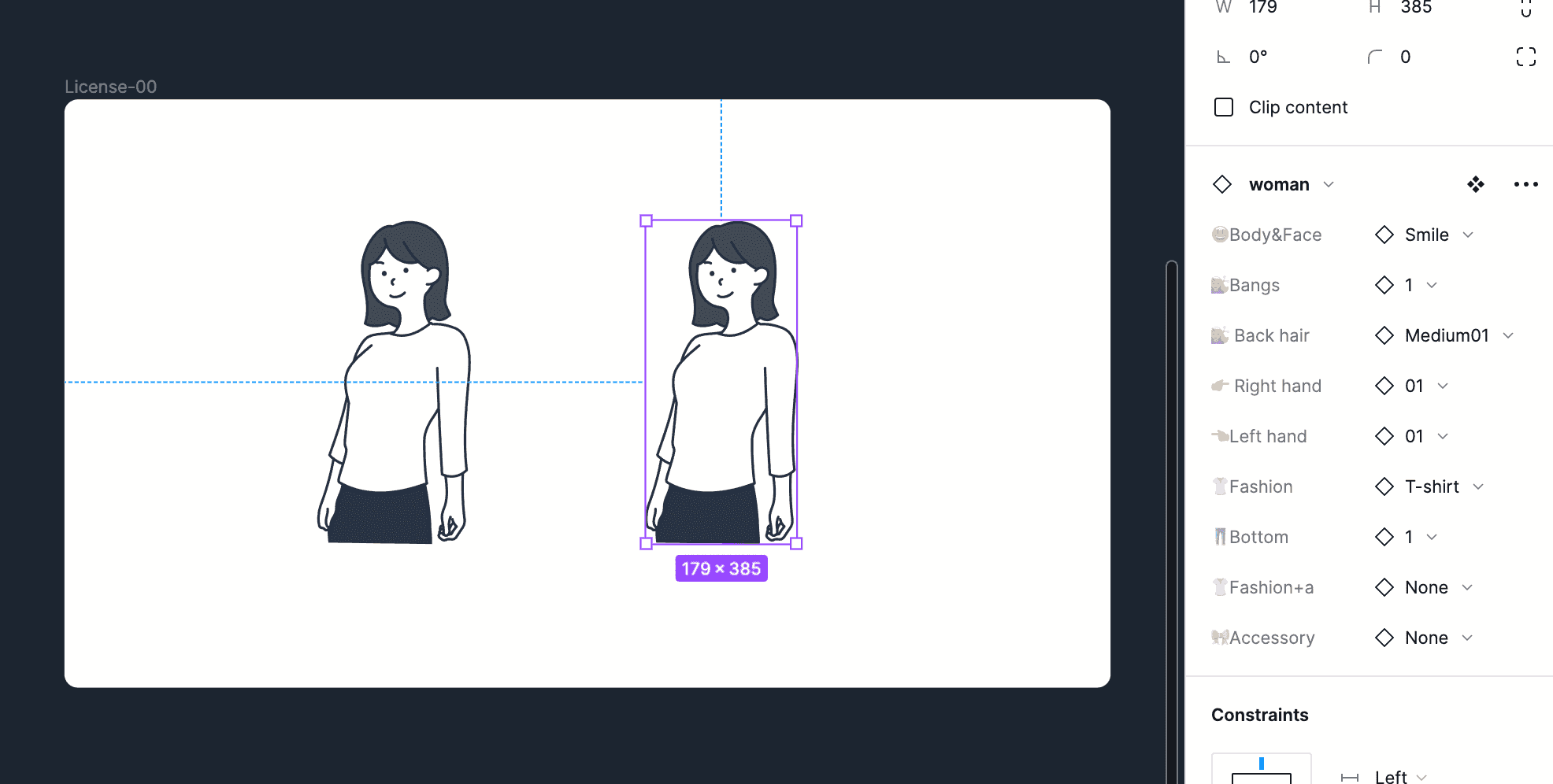
- Facial expressions (happy, sad, surprised, etc.)
- Hairstyles (long hair, short hair, wearing a hat, etc.)
- Outfits (casual, formal, etc.)
- Poses (standing, sitting, walking, etc.)
Recommended Use Cases
- Blog speech bubble illustrations
- Presentation materials
- Website editorial illustrations
2. omiso
Features
omiso features simple, versatile designs with up to 100,000 possible illustration combinations. You can customize details like facial expressions, hairstyles, and actions, making it useful across a wide range of projects.
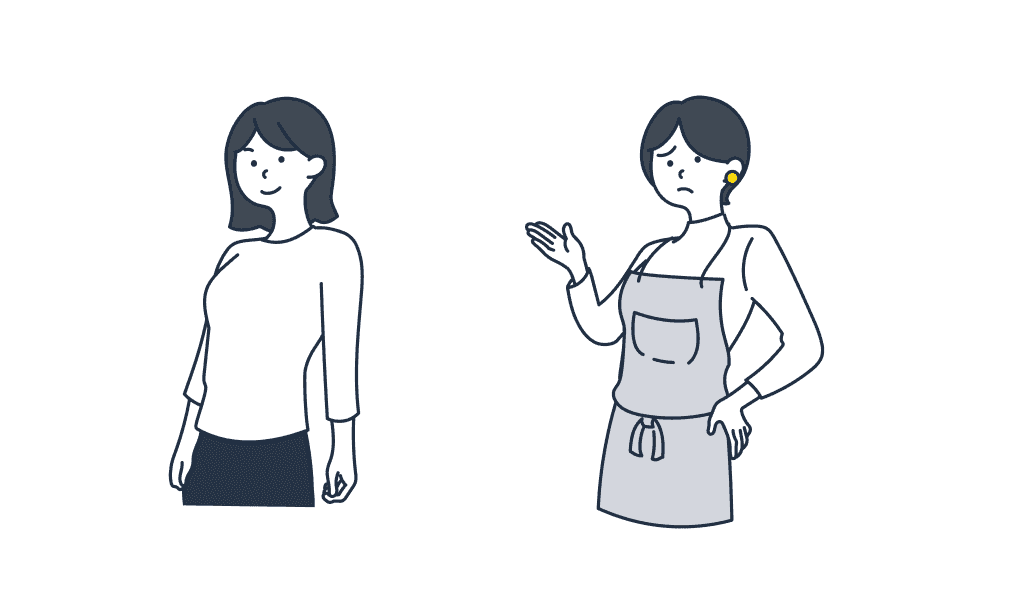
Strengths
- Simplicity — blends well with any design style
- Rich variations — 100,000 possible combinations
- Fine-grained customization — adjust expressions, hairstyles, and actions individually
Recommended Use Cases
- Creative assets for web ads
- Landing page illustrations
- Social media post illustrations
3. Humaaans for Figma
Features
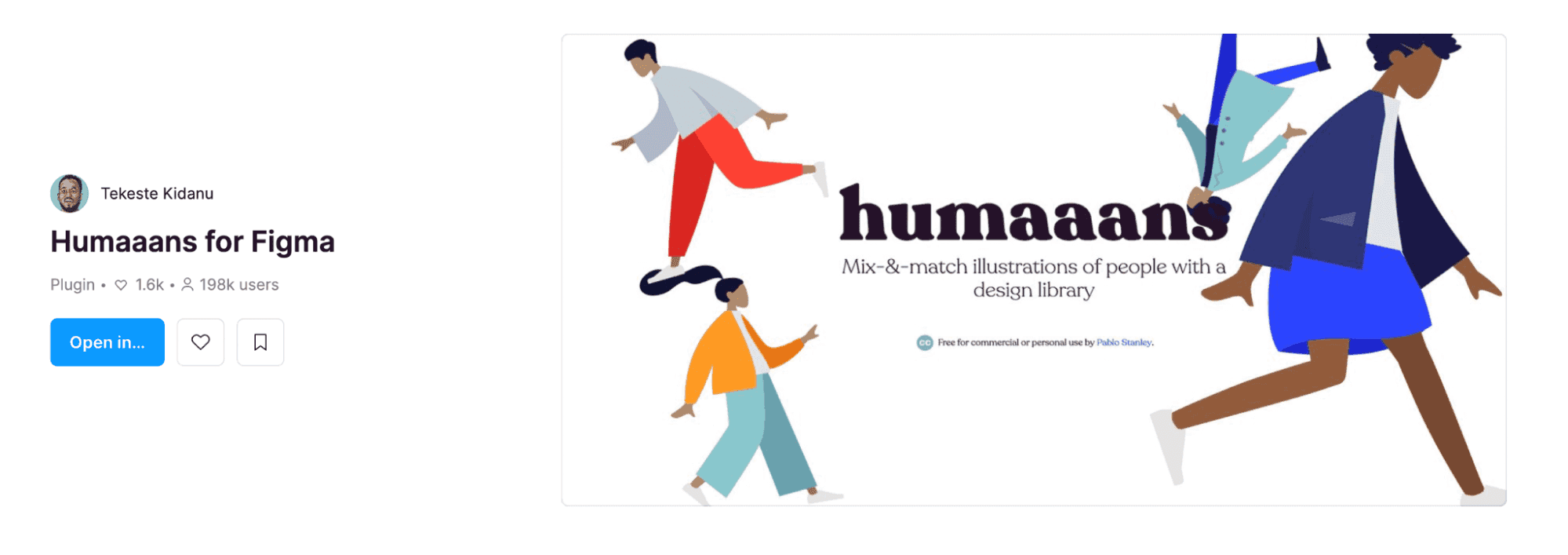
Humaaans is a plugin with strong artistic qualities and fine-grained control. Its detailed layer structure lets you create a wide variety of illustrations by combining different parts.
Strengths
- High artistic quality — polished, refined designs
- Fine-tuned adjustments — customization at the layer level
- Symbolic elements — can be used for branding assets like logos
Recommended Use Cases
- Symbolic elements for logo design
- Visual assets for corporate websites
- Illustrations for branding guidelines
Recommendations by Use Case
| Use Case | Recommended Tool |
|---|---|
| Social media icons | OpenPeeps |
| Blog illustrations | OpenPeeps, omiso |
| Web ads | omiso |
| Landing page illustrations | omiso |
| Logo design | Humaaans |
Conclusion
Across Parts 1 and 2, we've introduced a total of six illustration tools. Choose the right tool for your purpose and efficiently create original illustration assets. These tools will undoubtedly expand your design possibilities.