Struggling with Icon Creation?
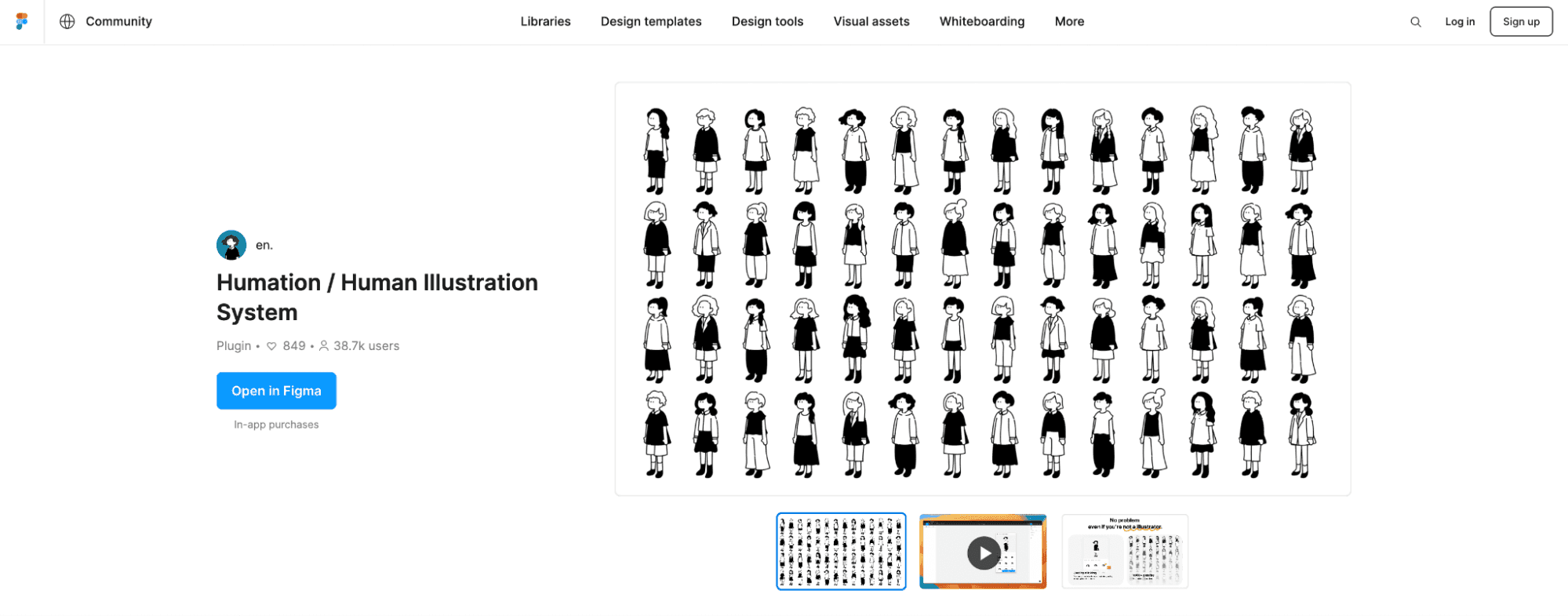
Social media icons, blog avatars, presentation characters, website illustration assets -- you want original illustrations but drawing them yourself is difficult. For anyone with this dilemma, here's how to easily create cute, original illustrations using Figma plugins and design files.
1. Humation
Features
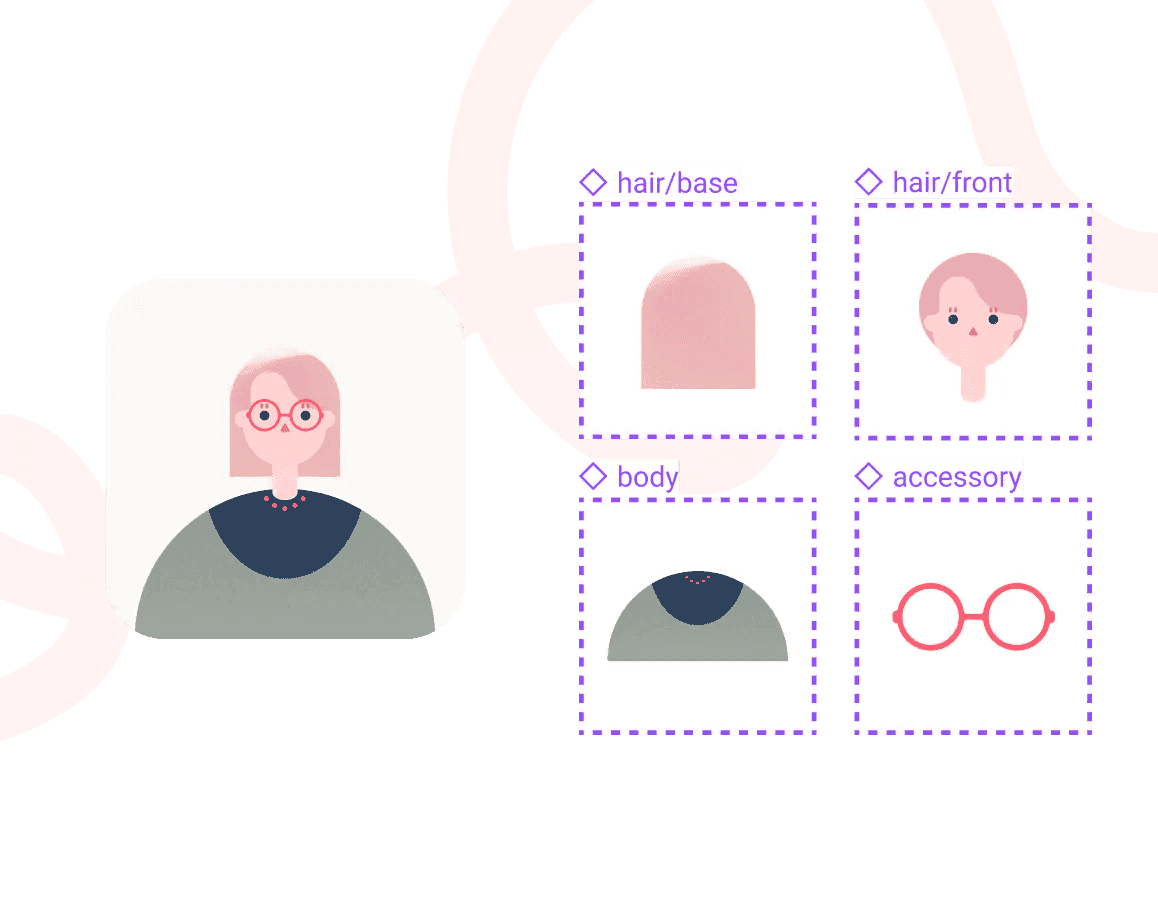
A plugin that can generate over 1,000 simple illustrations. It's extremely easy to use -- just choose "Head," "Body," and "Bottom."
Advantages
- Supports both personal and commercial use -- No license worries
- Simple and versatile -- Fits any design style
- Intuitive operation -- Just pick from 3 parts
Related Services
- Pen-chan's -- Penguin-themed illustration generation
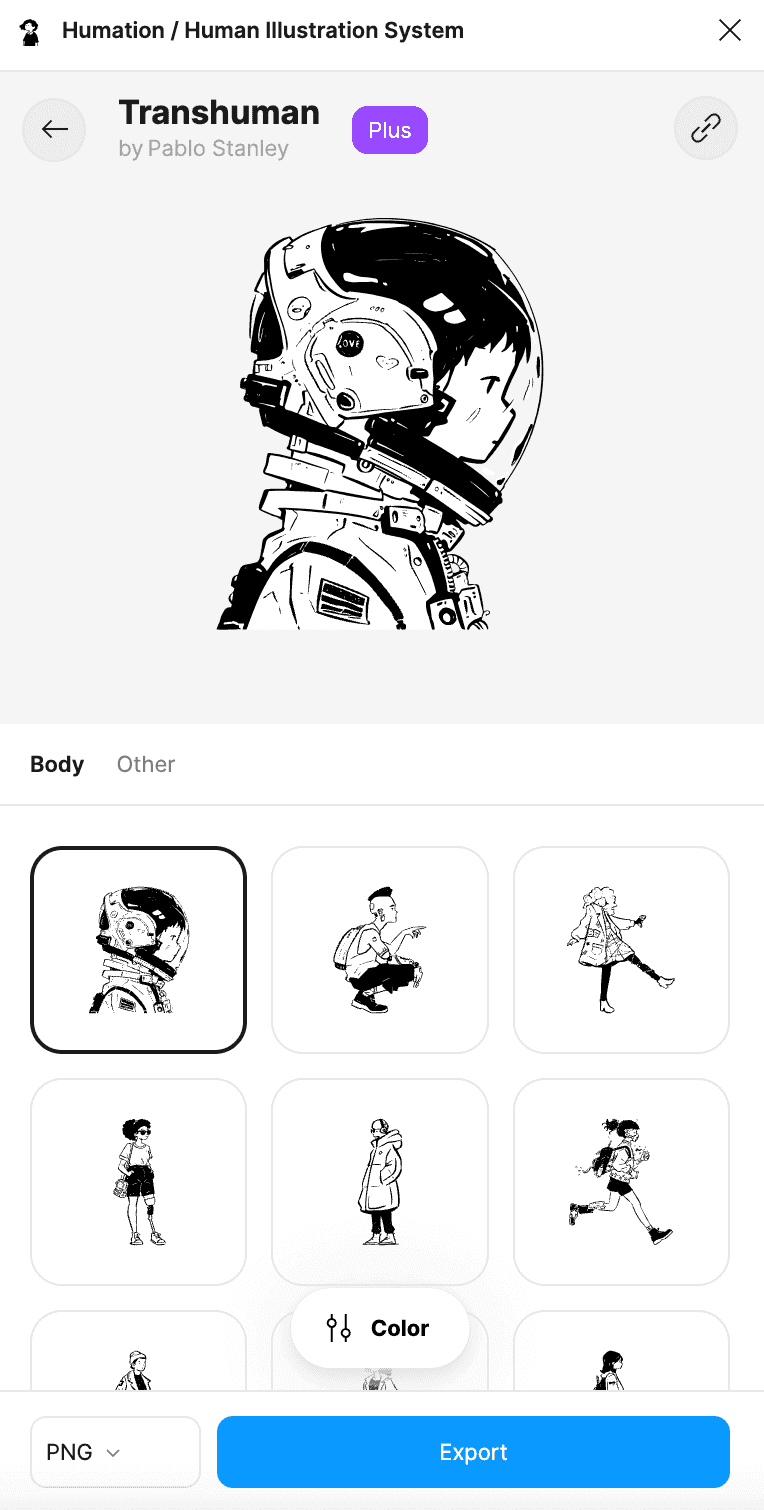
- Transhuman -- Over 60 detailed design variations
2. Whocares? by Humation
Features
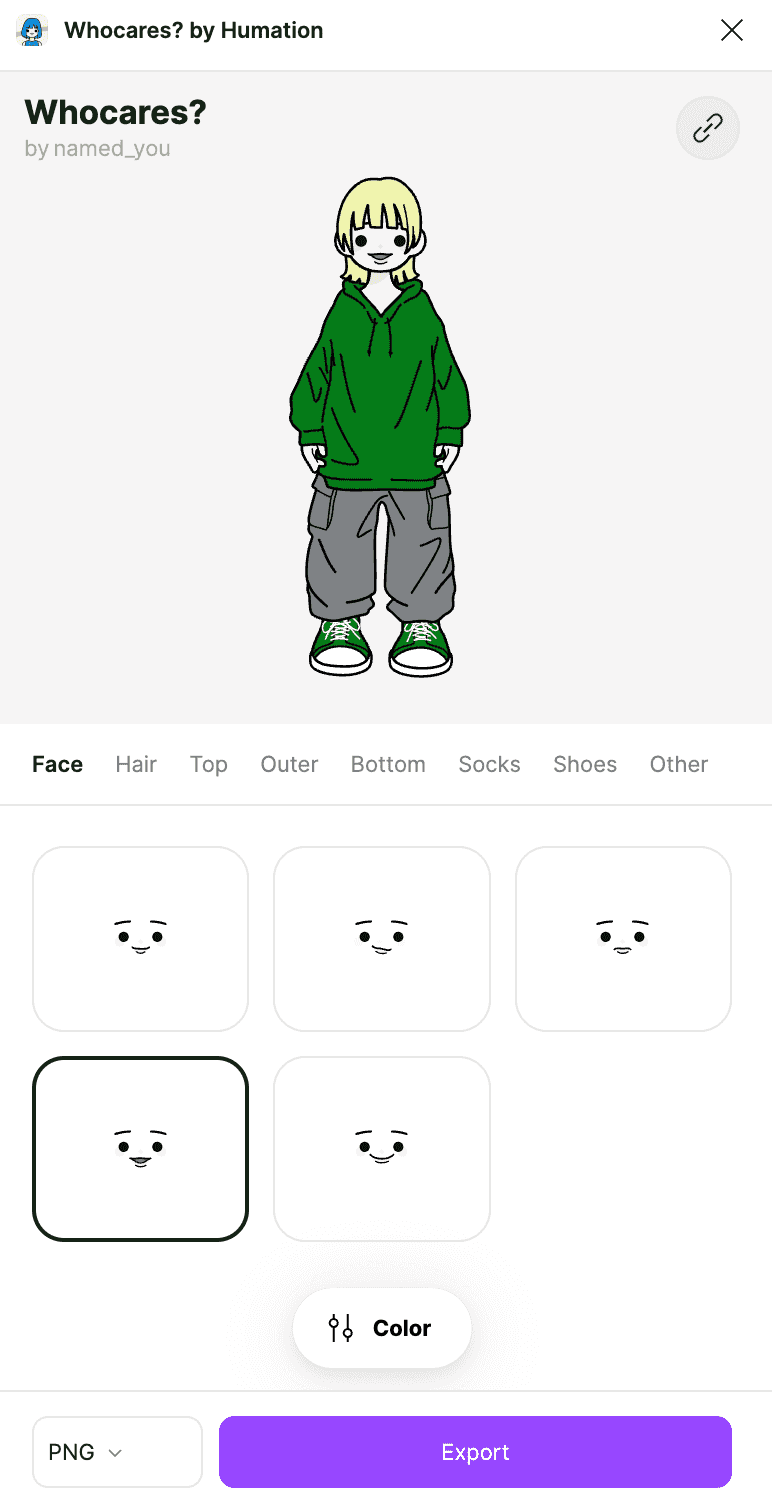
A plugin that generates game-avatar-style illustrations. It offers more customization options than Humation, allowing you to create more unique illustrations.
Customization Options
- Face (face shape)
- Hair (hairstyle)
- Top (upper body clothing)
- Many other part selections
Recommended Use Cases
- Game-related projects
- Casual social media icons
- Team member introduction pages
3. SoMe Friends (Paid)
Features
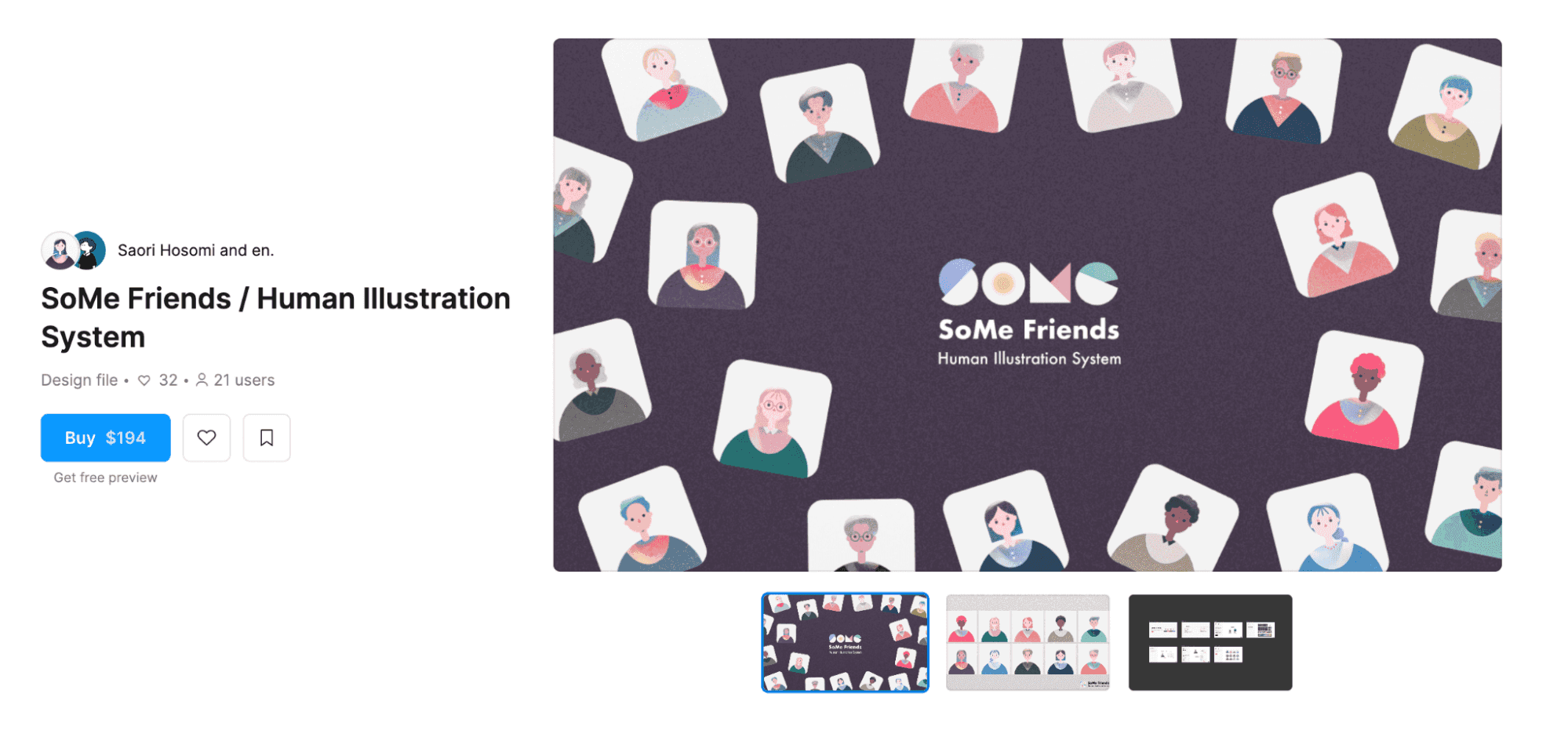
A stylish, internationally-flavored design file with gradient features, capable of creating over 1,000 illustration patterns.
Customization Options
- Hairstyle
- Accessories
- Gradients
- Expressions
- Clothing
Recommended Use Cases
- Branding materials
- Corporate website team pages
- Marketing materials
Which Tool Should You Choose?
| Tool | Price | Style | Recommended Use |
|---|---|---|---|
| Humation | Free | Simple | General-purpose icons |
| Whocares? | Free | Game-style | Casual projects |
| SoMe Friends | Paid | Stylish | Branding materials |
Conclusion
If you're a designer struggling with icon selection, give these tools a try. Even if creating illustrations from scratch is difficult, combining plugins and design files lets you efficiently create materials with originality. Stay tuned for Part 2!