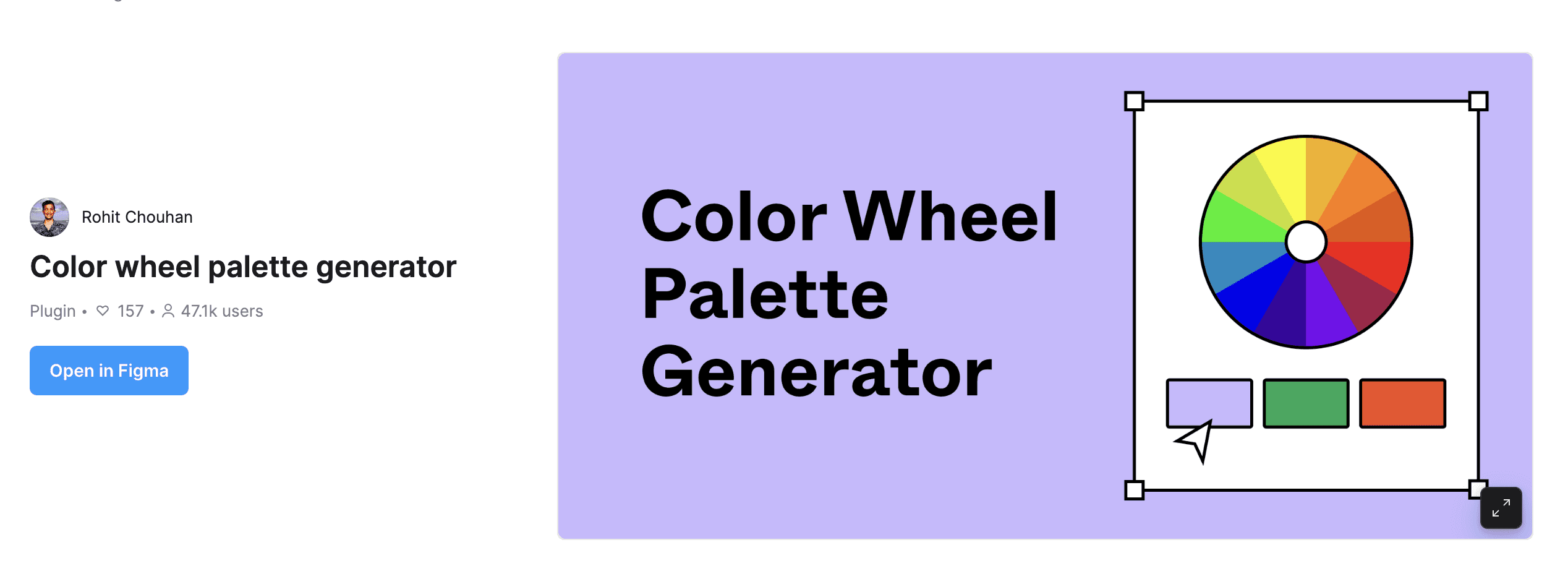
What Is Color Wheel Palette Generator?
"Color Wheel Palette Generator" is a Figma plugin that automatically generates color palettes based on color theory. Simply specify a base color, and it instantly creates harmonious palettes based on 6 types of color harmony.
Easy to Use in 3 Steps
Step 1: Run the Plugin
Launch "Color Wheel Palette Generator" from the Figma plugin menu.
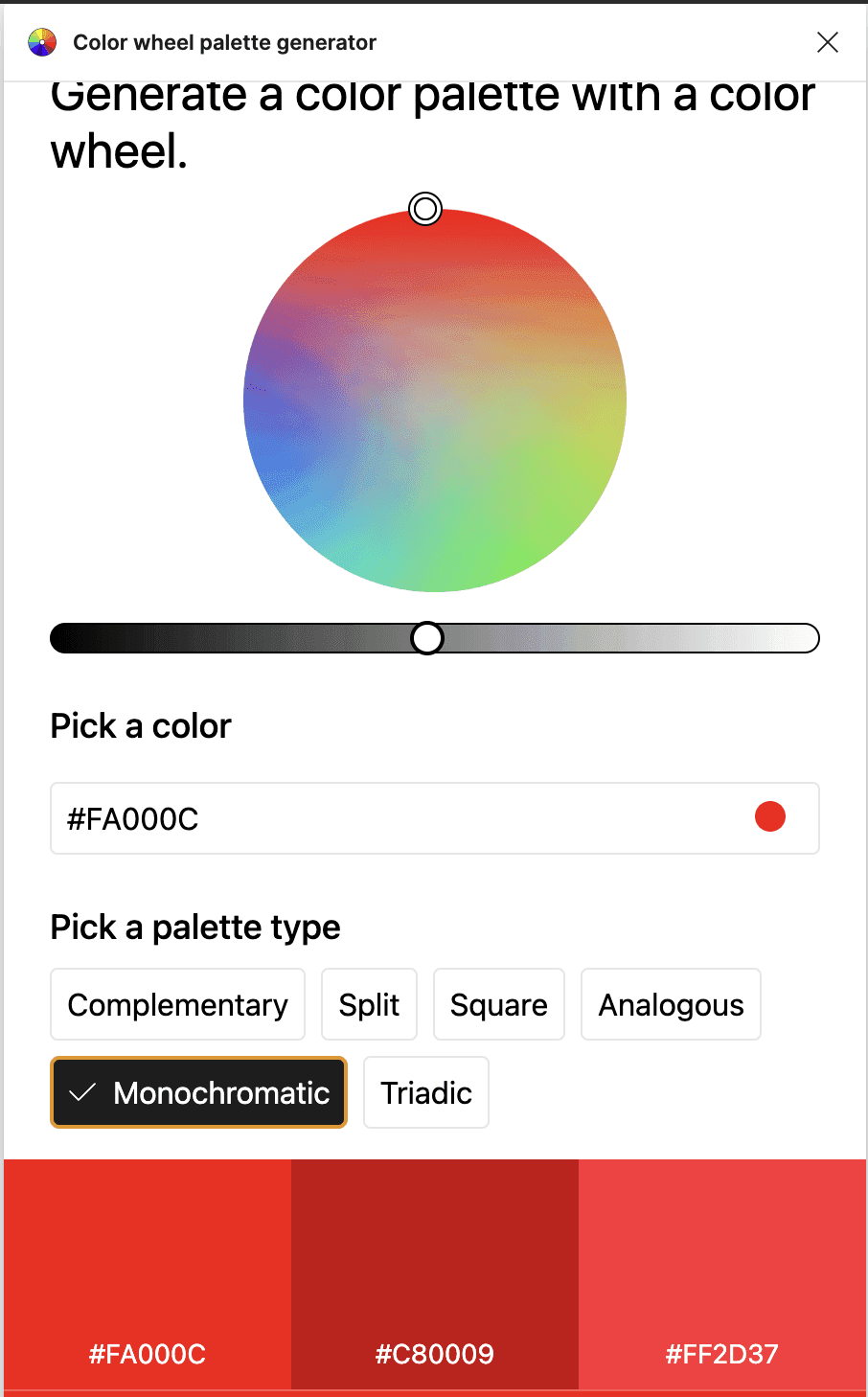
Step 2: Enter a Base Color
Enter your base color using a hex code or the color panel. Specify your brand color or key color here.
Step 3: Select a Palette Type and Generate
Choose from 6 palette types to match your purpose and generate the palette.
6 Palette Types
Complementary
A color scheme using colors on opposite sides of the color wheel. Highly effective for designs that need strong contrast and eye-catching appeal. Great for CTA button and background color combinations.
Split (Split-Complementary)
A color scheme combining colors on both sides of the complementary color. Less intense contrast than complementary, giving a well-balanced impression.
Square
Uses 4 evenly spaced colors on the color wheel. Maintains unity even in multi-color designs.
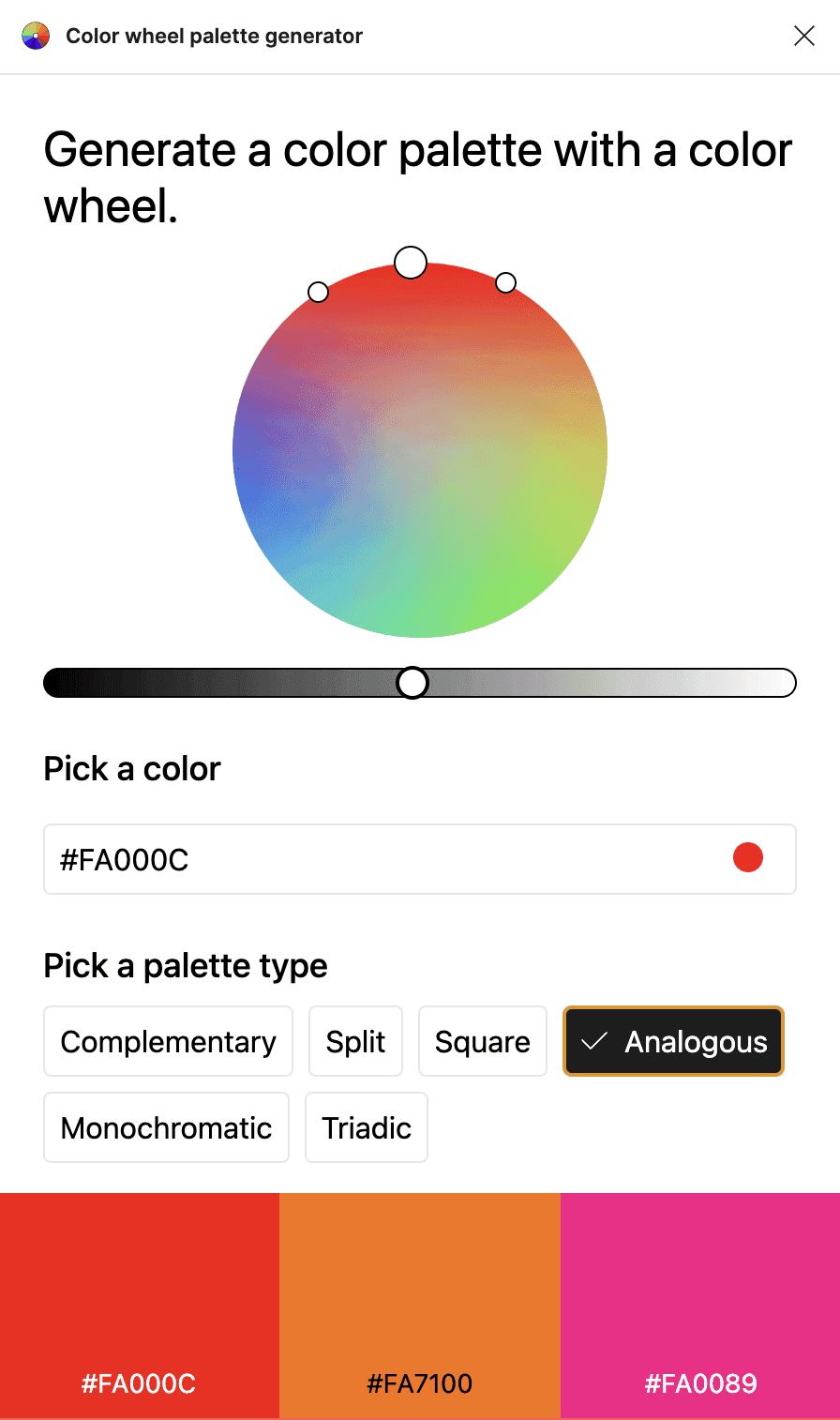
Analogous
A color scheme using adjacent hues. Creates a natural, soft impression and is ideal for calm designs.
Monochromatic
Variations of the same hue at different lightness and saturation levels. Gives a simple, refined impression.
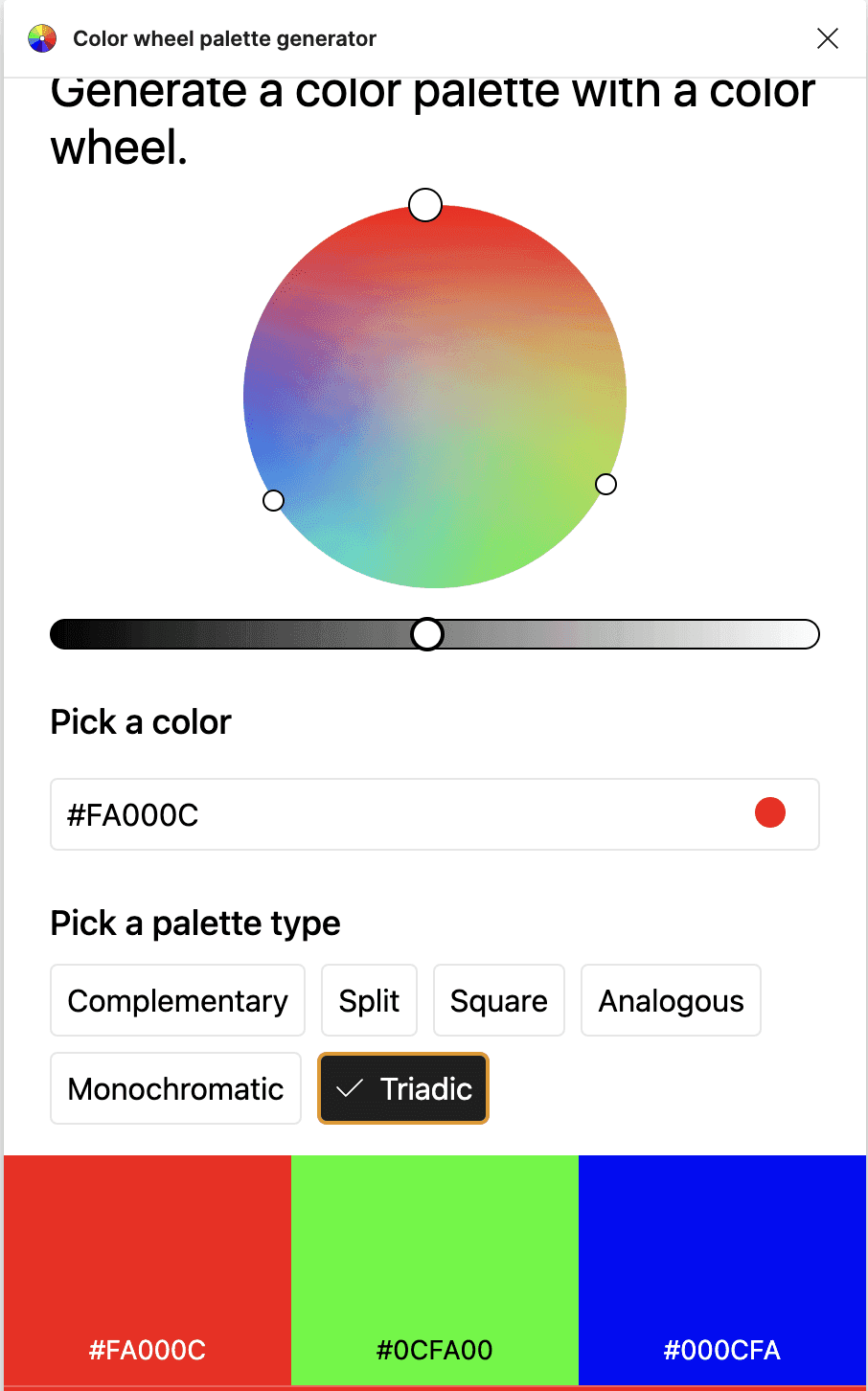
Triadic
Uses 3 evenly spaced colors on the color wheel. A vibrant and well-balanced color pattern.
Benefits
This plugin significantly speeds up design work by reducing the time spent on color selection. Even without knowledge of color theory, you can quickly create professional, visually harmonious color palettes -- especially useful when creating multiple design variations.
Conclusion
Color Wheel Palette Generator is a Figma plugin that makes it easy to generate beautiful palettes based on color theory. It's a powerful ally when you're unsure about color schemes -- give it a try.